Privacy First
Uploaded files are automatically and permanently deleted within two hours.
Automatic deletion

Repackage RAR-based comic books into the universally supported ZIP-based CBZ format with every page pixel-identical
You can upload up to 20 ebooks simultaneously.
CBR and CBZ contain the same thing: page images in reading order. The only difference is the archive type, RAR versus ZIP. Our converter unpacks the RAR with the official unrar tool and stores the files in a ZIP, so the comic is identical but readable everywhere.
Single issues or a whole run. The archives can come from your computer or Google Drive.
unrar extracts every page, zip stores them again in the same order with the same names.
Drop it into your reader or library; it opens exactly like the CBR did, without RAR support.
A checksum of each image inside the CBZ matches the one in the CBR, because the image data is copied, not converted.
ZIP is patent-free and supported by every programming language and operating system; RAR needs a licensed decompressor.
ComicInfo.xml and other sidecar files inside the archive are preserved for Komga, Kavita and ComicRack.
No WinRAR, no command line. Works in any browser on any system.
Backed by 10+ years of engineering expertise in large-scale data and scientific computing, it’s built for real-world document workflows that require accurate layout preservation, strict privacy, and dependable, high-level performance.
Uploaded files are automatically and permanently deleted within two hours.
Rated 5 stars on Trustpilot for speed, reliability, and ease of use.
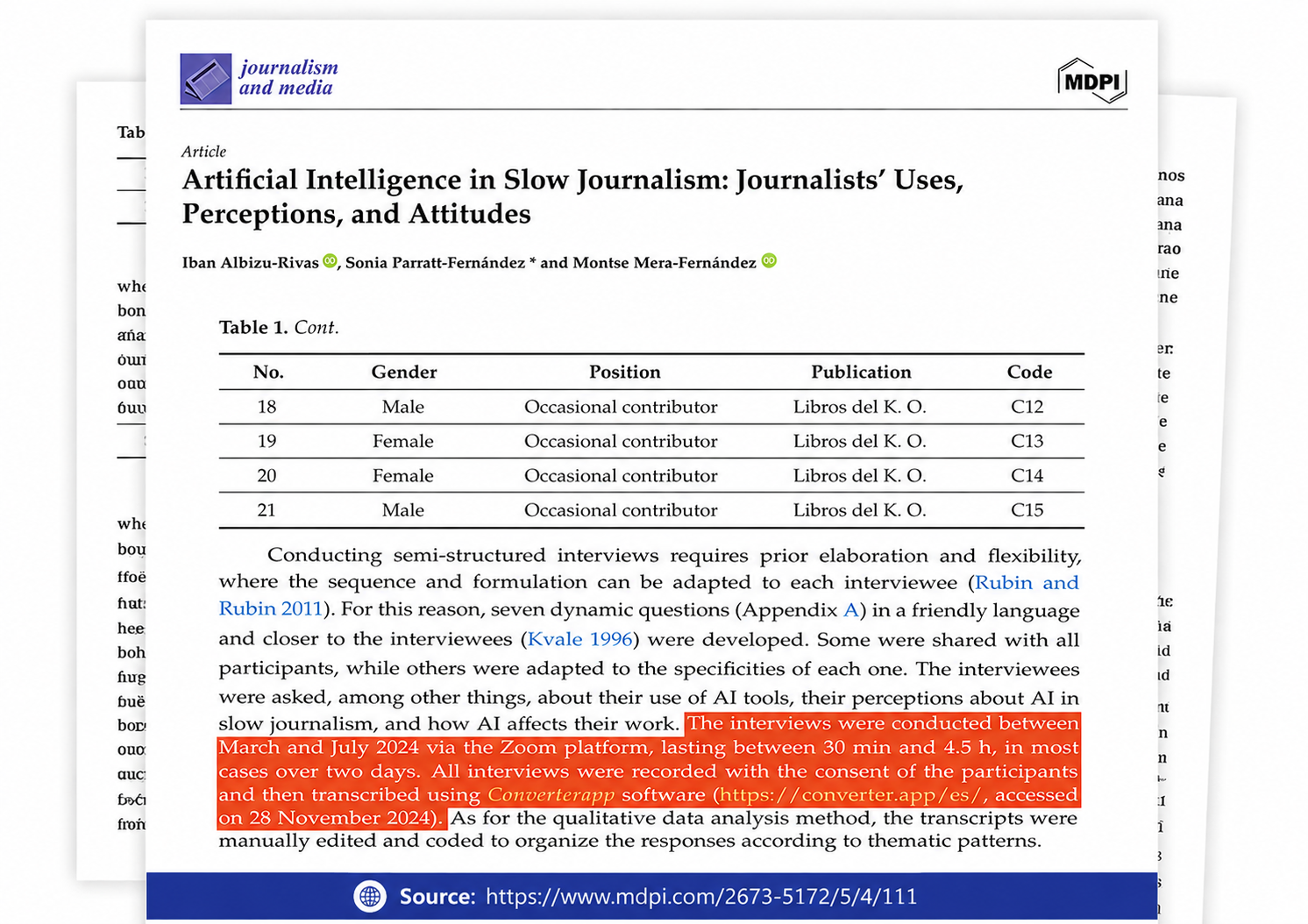
Referenced in published research and used for interview transcription and qualitative data analysis.
CBR and CBZ appeared around 2000 with the CDisplay reader, which simply opened RAR or ZIP files full of scans. RAR was popular then because it compressed slightly better and supported recovery records. Those advantages mean nothing for images that are already compressed, while RAR's licensing kept it out of many apps. Over the following years almost every reader, e-ink device, library server and app store product standardised on CBZ. Converting an old CBR collection is therefore mostly about future-proofing and about reading on devices that never supported RAR.
The uploaded CBR is extracted with unrar, the reference decompressor that handles every RAR version including RAR5. All extracted files, pages and any sidecar files such as ComicInfo.xml or cover.jpg, are added to a new ZIP archive with the same names and in the same order, using the store or deflate method; JPEGs are incompressible so the method does not affect size. The ZIP is renamed to .cbz. No image decoding takes place at any point, so the process is lossless and fast even for 200 MB archives.
If you want to read comics on a Kindle or in a PDF viewer, our CBZ to PDF and CBR to PDF tools render the pages into a document. For readers that only accept EPUB, our CBZ to EPUB converter packs the pages into an e-book with one e-reader-sized page image per chapter. And if you have loose page images, zip them with a numbered naming scheme and rename the archive to .cbz; that is all a comic archive is.
Only the compression format: CBR is a renamed RAR archive, CBZ a renamed ZIP. Both hold a sequence of JPEG or PNG pages. Readers that support both treat them identically; readers that support only ZIP cannot open CBR, which is why CBZ has become the de facto standard.
RAR is a proprietary format, and decompression code can only be distributed under RARLAB's licence. Open-source projects and app store apps often leave it out, and RAR5 archives created by recent WinRAR versions are rejected by older libraries entirely. ZIP has no such restrictions, so a CBZ opens everywhere.
No. The image files are copied byte for byte. File sizes also stay the same apart from a few kilobytes of archive overhead, since JPEG and PNG do not compress further in either RAR or ZIP.
It happens: some uploaders rename ZIP archives to .cbr. Our converter needs a genuine RAR; if the extraction fails, rename the file to .cbz yourself and it will open in any reader as is.
No. Password-protected RARs cannot be extracted without the password, and split archives (.part1.rar, .r00) must be joined on your computer first. Nearly all comic archives are single, unprotected files and convert without issues.
Yes. The file names are unchanged, and comic readers sort pages by name, so the order is identical to the original. If the original CBR had badly named pages, the CBZ inherits that; a renaming tool fixes it before conversion.