Privacy First
Uploaded files are automatically and permanently deleted within two hours.
Automatic deletion

Pull the sound out of any video. Drop MP4, MKV, MOV, AVI, WEBM, MTS, MXF, TS, VOB or any other common video file and get an MP3, WAV, M4A, FLAC, OGG, OPUS, WMA, AIFF, ALAC, AMR or AC3 file back. If the video already carries the format you asked for, the track is copied untouched instead of being re-encoded.
Instead of a separate page for each format pair, this converter handles every combination our ffmpeg backend supports. You pick the output; detecting the input, choosing the codec and deciding whether re-encoding is needed at all happens automatically.
Drag up to 10 files into the box or import one from Google Drive. Mixed input formats in one job are fine.
MP3 for everything, WAV or FLAC for editing, M4A for Apple devices, OPUS for the smallest files. Lossy formats get a quality setting.
A single audio file, or one ZIP with all tracks when you converted several videos. Optionally straight back to Google Drive.
AAC in an MP4, MP3 in an AVI, FLAC in an MKV: when the track already is what you asked for, it is copied bit for bit in seconds. No generation loss, no waiting.
320, 192, 128 or 96 kbps for lossy formats. Auto picks 192 kbps and never goes above the source bitrate, because encoding upward only makes files bigger.
1 GB per file and ten files per job. Large uploads are routed to the least busy of our conversion servers; the limits are the same for every visitor.
The processing times and file sizes shown further down come from real jobs on this tool and are refreshed every hour.
Backed by 10+ years of engineering expertise in large-scale data and scientific computing, it’s built for real-world video workflows that require uncompromised output quality, dependable processing of large files, and reliable, high-level performance.
Uploaded files are automatically and permanently deleted within two hours.
Rated 5 stars on Trustpilot for speed, reliability, and ease of use.
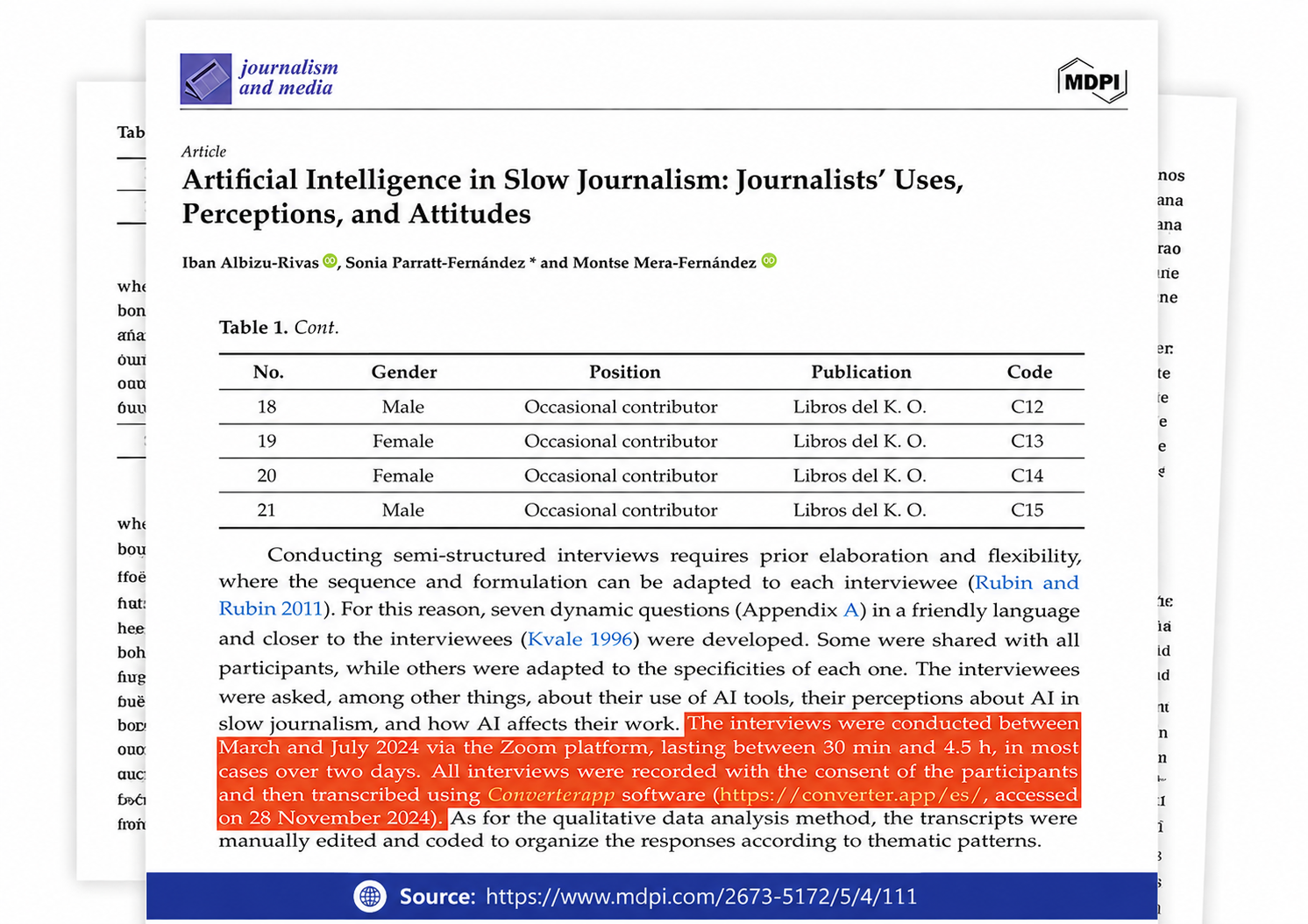
Referenced in published research and used for interview transcription and qualitative data analysis.
A video file is a container that holds several streams: one or more video streams, one or more audio streams, sometimes subtitles. Converting it to audio means opening the container, taking the audio stream and writing it into an audio container. That is a demux, not a transcode. It is fast, it does not touch the samples and it is what this tool does whenever the source codec matches the requested format: AAC to M4A, MP3 to MP3, FLAC to FLAC, Vorbis to OGG, Opus to OPUS, AC3 to AC3.
Only when the formats differ is the stream decoded to raw audio and encoded again. That is a transcode, it takes roughly as long as the ffmpeg encoder needs for the duration of the file, and for lossy targets it costs a small amount of quality. The quality setting controls that second case only.
MP3 plays on every device made in the last twenty years; use 192 kbps for music, 128 for speech. M4A (AAC) sounds slightly better than MP3 at the same bitrate and is native on Apple devices. OPUS gives the best quality per kilobyte and is the right choice for voice recordings, podcasts and anything played in a browser. WAV and AIFF are uncompressed; editors and DAWs like them, but a one-hour file is about 600 MB. FLAC and ALAC are lossless at roughly half that size; ALAC is for Apple software, FLAC for everything else. OGG and WMA exist for older players and game engines. AMR is a phone voice codec, tiny and only for speech. AC3 is Dolby Digital for receivers and disc authoring.
This tool replaces our separate pages for rarely used pairs such as MTS to WAV, MXF to AAC or VOB to FLAC. The backend was always the same ffmpeg call with different arguments; the separate pages only made it harder to find the right one. The most used pairs, such as MP4 to MP3 or MKV to MP3, keep their own pages and link here. Old links to the merged pages redirect to this tool with the output format preselected.
The first audio track is used; a film with several language tracks gives you the first one. Videos without any audio stream are rejected with a message instead of an empty file. DRM-protected files (iTunes purchases, some recordings from set-top boxes) cannot be opened. Files larger than 1 GB are refused by the uploader. Very long recordings work, but transcoding a four-hour file takes a few minutes; the time estimate below updates as soon as you pick a file. AMR output needs an encoder that is not installed on every one of our servers; if it fails, convert to MP3 or OPUS instead.
Anything ffmpeg can open, which covers every format in common use: MP4, M4V, MOV, MKV, WEBM, AVI, WMV, ASF, FLV, F4V, 3GP, 3G2, MTS, M2TS, TS, MXF, MPG, MPEG, MPV, M2V, VOB, WTV, OGV, OGM, RM, RMVB, DIVX, MOD, TOD, DV, raw HEVC/H.264/AV1 streams, MJPEG, SWF and DVR-MS. Audio files are accepted too if you only want to change the audio format. Files up to 1 GB each, ten per job.
MP3, WAV, M4A (AAC), FLAC, OGG (Vorbis), raw AAC, OPUS, WMA, AIFF, ALAC (Apple Lossless), AMR and AC3 (Dolby Digital). The format list in the dialog shows what each one is good for. If you are unsure, MP3 plays everywhere and FLAC keeps the full quality.
Only if the audio has to be re-encoded. A video file is a container (MP4, MKV, AVI) around separate video and audio streams. If the stream already has the format you want, for example AAC inside an MP4 when you ask for M4A, we copy it out without touching a single sample. If you ask for a different codec, for example MP3 from that same file, the stream is decoded and encoded again, which costs a little quality with lossy formats. Choosing WAV, FLAC, AIFF or ALAC keeps everything the source had.
Auto copies the track when the codec matches. Otherwise it encodes at 192 kbps, which is transparent for most listeners, but never above the bitrate of the source: a 128 kbps track re-encoded at 320 kbps would only be bigger, not better. Pick a fixed bitrate if you need a specific size or a specific quality.
Yes, up to ten files in one job, and they may be different formats. All of them get the same output format and quality, and you receive one ZIP with every track. Google Drive import works with one file at a time.
Uploads are deleted 30 minutes after the job, results two hours after they were produced. Processing runs on our own servers, nothing is sent to third parties, and nobody looks at the content. Our statistics record only the job size and how long it took.
One tool instead of a page per pair. Any of the inputs below can be turned into any of the outputs; the audio track is copied untouched whenever it already has the format you asked for.
Plus audio files (MP3, WAV, M4A, FLAC, OGG, WMA, AIFF, APE, CAF, MKA) if you only want to change the audio format.
| MP3 | Plays on everything; the safe default for music, podcasts and voice. |
|---|---|
| WAV | Uncompressed PCM for editing, sampling and archiving; large files. |
| M4A (AAC) | AAC in an MP4 container: iPhone, iPad, iTunes, most car stereos. |
| FLAC | Lossless and about half the size of WAV; keeps the original quality. |
| OGG (Vorbis) | Open Vorbis format for games, Android apps and open-source players. |
| AAC | Raw AAC stream (ADTS) for streaming tools and some hardware players. |
| OPUS | Best quality per kilobyte; the modern choice for speech and web audio. |
| WMA | Windows Media Audio for older Windows players and devices. |
| AIFF | Uncompressed audio for macOS, Logic and Pro Tools workflows. |
| ALAC (Apple Lossless) | Apple Lossless in an M4A container for Apple Music and iOS. |
| AMR | Narrow-band voice format used by phones; tiny files, speech only. |
| AC3 (Dolby Digital) | Dolby Digital for home-cinema receivers and DVD/Blu-ray authoring. |