Privacy First
Uploaded files are automatically and permanently deleted within two hours.
Automatic deletion

Transcribe AAC audio into clean plain text in minutes.

Transcribe AAC to text from voice notes, interviews, meetings, or podcasts. Get a clean TXT transcript for free, with no sign-up.
Add your AAC recording or video with AAC audio from an MP4 or M4A source.
Follow the status while AI transcription generates your plain text transcript.
Save the finished TXT transcript and use it in notes, edits, or archives.
Transcribes AAC recordings with strong accuracy, including accents, fast speech, and moderate background noise.
Identifies different speakers to make interviews, meetings, and panels easier to review.
Works with common languages including English, Spanish, German, and French.
Processes large uploads over 1 GB, with automatic deletion after 2 hours.
Developed by engineers with 10+ years of experience in large-scale infrastructure, data systems, and scientific computing. Designed for real-world audio workflows where privacy, dependable processing, and practical usability matter.
Uploaded files are automatically and permanently deleted within two hours.
Rated 5 stars on Trustpilot for speed, reliability, and ease of use.
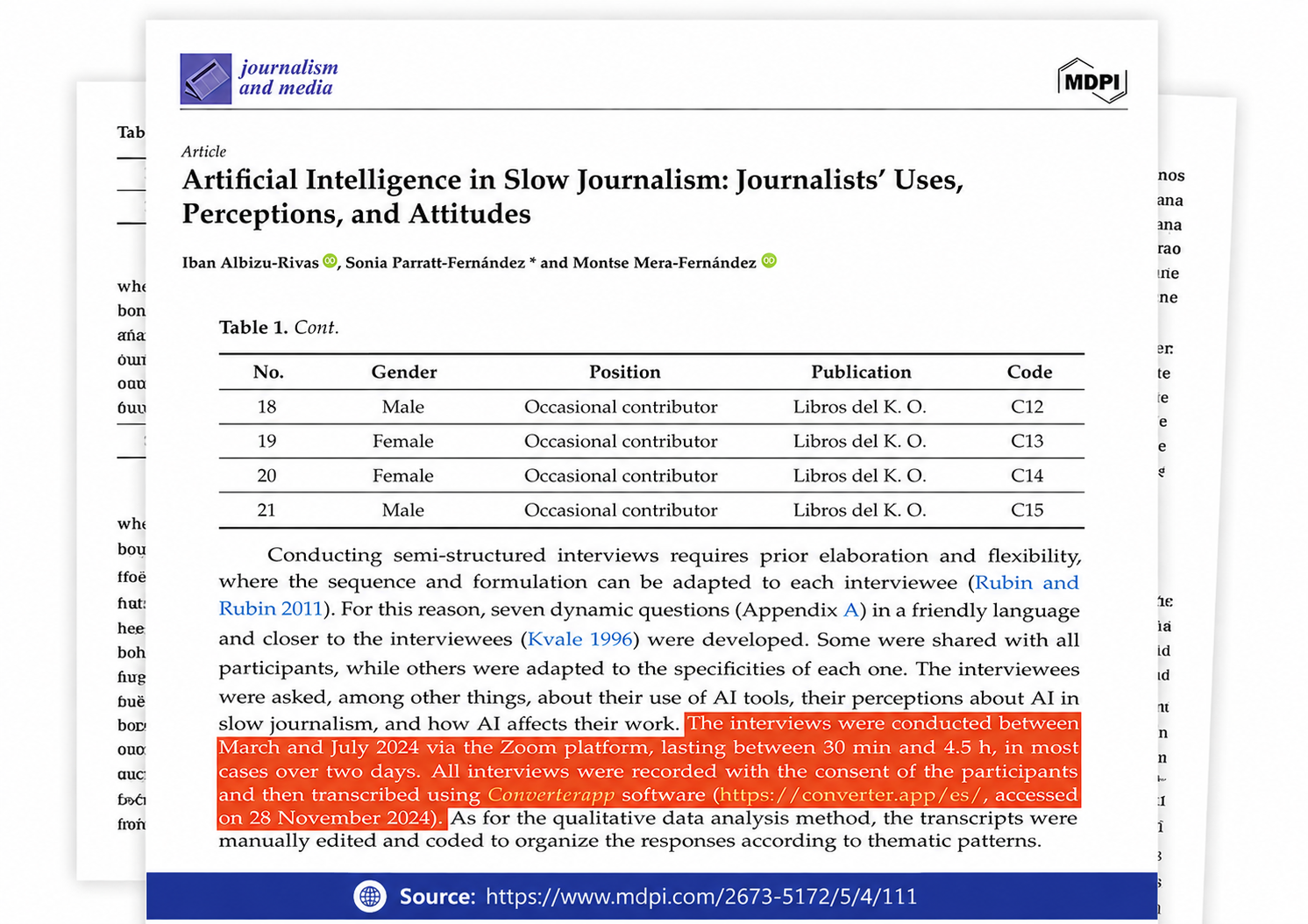
Referenced in published research and used for interview transcription and qualitative data analysis.
Read selected Trustpilot reviews from creators and professionals who use Converter App to accurately transcribe their AAC audio files into clear, editable text.