Privacy First
Uploaded files are automatically and permanently deleted within two hours.
Automatic deletion

Convert audio to text online with fast, accurate AI transcription.

Convert recordings to text from meetings, interviews, lectures, podcasts, and voice notes. Converter App uses Whisper v3 AI for automatic transcription across 100+ languages, with strong handling of accents, fast speech, and background noise.
Select an audio or video file with the upload box, or simply drag and drop it onto the page. Common formats such as MP3, WAV, M4A, OGG, WMA, and MP4 are supported.
The speech to text conversion starts automatically and runs on our servers. You can also enable speaker detection before uploading if your recording includes more than one person.
When processing is complete, download your transcript as clean plain text and use it for notes, editing, publishing, research, or review.
Transcribe audio recordings with Whisper v3 AI and turn spoken content into readable text without installing software or creating an account.
Convert recordings to text even when they are large or long-form. Files over 1 GB and recordings longer than 2 hours are supported.
Use the tool for audio transcription online in many languages, including recordings with thick accents, rapid speech, or moderate background noise.
Voice recording transcription is easier to review when different speakers are identified automatically, making it useful for interviews, meetings, podcasts, and conversations.
Turn audio into text with Converter App directly in your browser, without local installation, manual setup, or recurring software plans.
| Feature | Converter App | Local Whisper | Paid/Freemium Services |
|---|---|---|---|
| Cost | Completely free | Requires hardware and compute resources | Monthly plans typically cost $10–$30+ |
| Setup | Ready to use instantly | Requires complex manual setup | Account registration required |
| Audio Limits | Long audio files, including 2h+ recordings, are supported | Limited by your own PC | Free tiers are often heavily limited |
| Speaker Detection | Included by default | Needs manual configuration | Frequently restricted to paid plans |
| Privacy | All uploaded data is deleted within two hours | Runs entirely locally | Often retained under the provider’s data retention policies |
Developed by engineers with 10+ years of experience in large-scale infrastructure, data systems, and scientific computing. Designed for real-world audio workflows where privacy, dependable processing, and practical usability matter.
Uploaded files are automatically and permanently deleted within two hours.
Rated 5 stars on Trustpilot for speed, reliability, and ease of use.
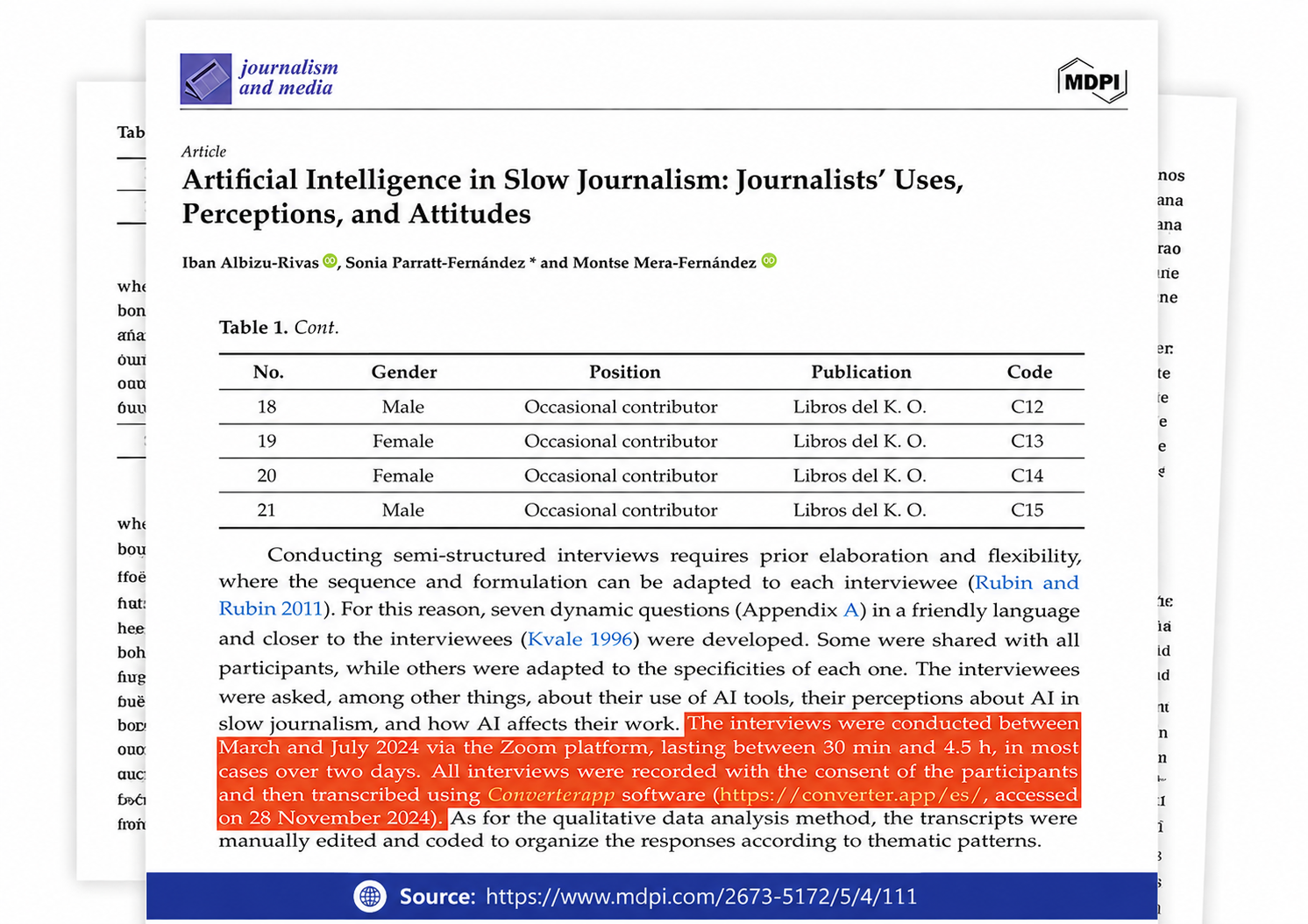
Referenced in published research and used for interview transcription and qualitative data analysis.
Browse a selection of verified Trustpilot reviews from professionals and students who use Converter App everyday to transcribe their audio recordings into accurate, editable text.
Our audio to text converter supports all common audio and video formats, including MP3, WAV, M4A, OGG, WMA, MP4, and more.
You can upload your file directly in the browser and convert spoken content into text without installing any software.
You can use the tool for many everyday transcription tasks, from short voice notes to longer recordings.
Common use cases include:
The converter also works well for webinars, conversations, presentations, and other audio or video files with spoken content.
Yes. Enable the "Detect Multiple Speakers" option before uploading your audio file to label who speaks when.
This is useful for interviews, podcasts, meetings, lectures, webinars, and conversations with more than one participant.
The transcript can separate speakers such as Interviewer and Guest, or label them as different speakers in the generated text.
Speaker detection may take a little longer. For best results, speakers should talk one at a time, and the microphone should be close to the people speaking.
For the most accurate transcript, record in a quiet room, keep the microphone close to the speaker, and use a clear source file.
We recommend using WAV files or high-bitrate MP3 files whenever possible, especially for longer recordings or audio with multiple speakers.
If the first seconds of your file contain music or silence, automatic language detection may fail. Start the recording with speech or trim the intro before uploading.
Yes. Your files stay private and are not shared with others.
Uploads are used only to create your transcript. After processing, the files are automatically removed shortly afterward.
All data is deleted within two hours.
Yes. The audio to text converter is free to use.
You can convert as many files as you need, one after another, with no daily caps or quotas.
No account is required. We will not ask for your email address, sign-up, or payment details.
Yes. You can convert multiple files by uploading them one after another.
After your transcript download finishes, use the uploader again to start the next file. The tool processes one upload at a time.
For very long recordings, splitting the audio into 30–45 minute parts can reduce individual turnaround times and make the transcript easier to review.
If you need speaker detection, set the "Detect Multiple Speakers" option correctly before uploading each audio file.