Privacy First
Uploaded files are automatically and permanently deleted within two hours.
Automatic deletion

Make voicemail, call recordings and IVR prompts in the GSM codec playable anywhere by converting them to MP3
You can upload up to 20 audios simultaneously.

GSM 06.10 is the speech codec of 2G mobile networks: 8 kHz mono at 13 kbit/s, optimised for intelligible voice at very low bitrates. PBX systems, Asterisk, FreePBX and older voicemail platforms store recordings in it. Almost no consumer software opens the files, so the converter decodes them and writes a normal MP3.
Raw .gsm files from Asterisk or voicemail exports work directly; GSM-encoded WAV files work as well.
The 8 kHz speech is decoded and encoded with LAME into MP3; the sample rate is kept so no artificial upsampling occurs.
Attach the MP3 to an email, play it on a phone or feed it to a transcription tool.
Files from /var/spool/asterisk/voicemail and monitor recordings convert without renaming or reprocessing.
MP3 at 8 kHz uses the MPEG-2.5 low sample rate mode that LAME handles well for speech.
Because the source is telephone bandwidth, the resulting MP3 stays small, typically under 1 MB per minute.
Call recordings are sensitive. Uploads and results are deleted automatically within two hours and never reviewed.
Backed by 10+ years of engineering expertise in large-scale data and scientific computing, it’s built for real-world workflows that require uncompromised audio quality, accelerated processing speeds, and reliable, high-level performance.
Uploaded files are automatically and permanently deleted within two hours.
Rated 5 stars on Trustpilot for speed, reliability, and ease of use.
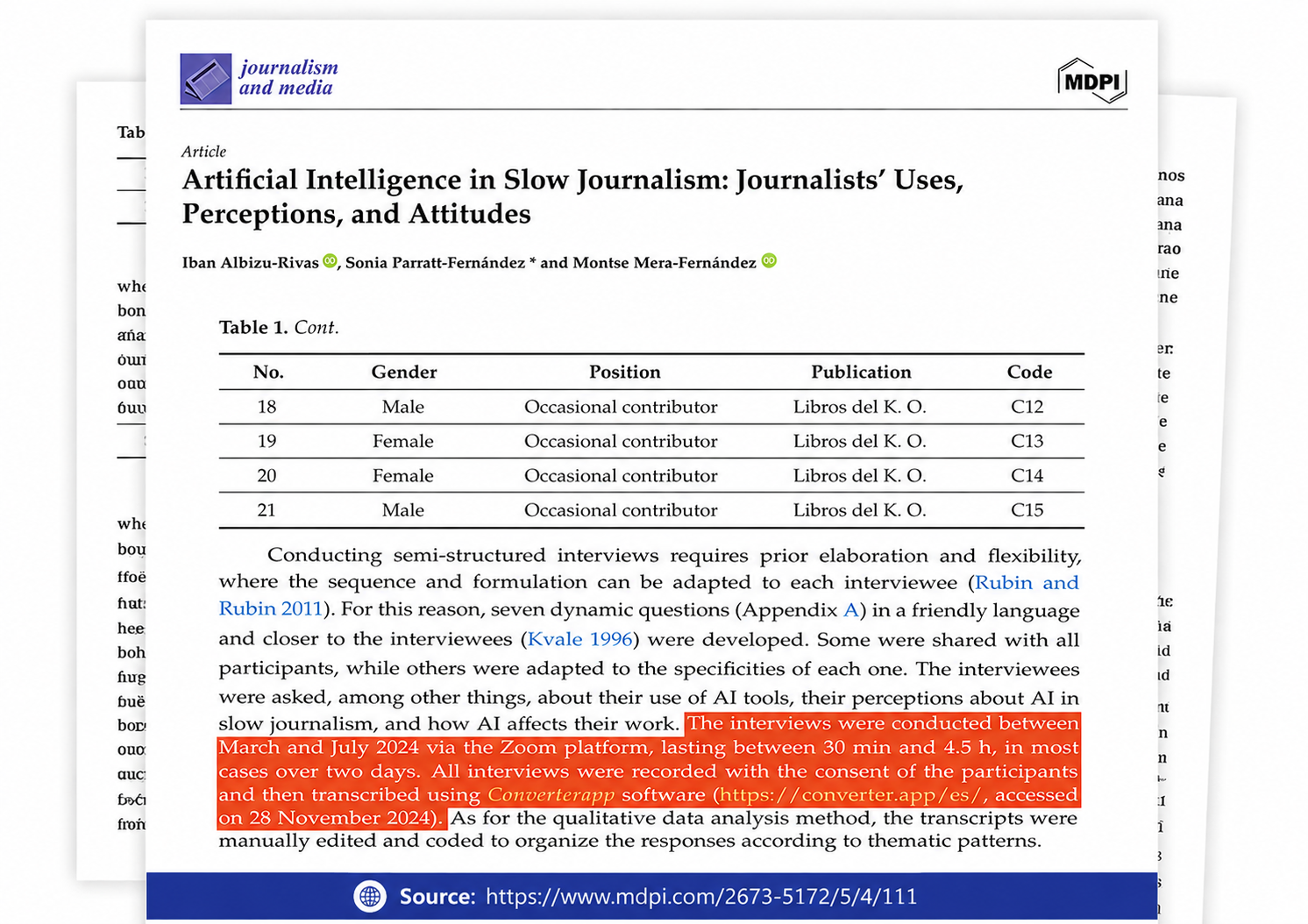
Referenced in published research and used for interview transcription and qualitative data analysis.
If you administer or use a phone system you have probably met .gsm files without noticing: Asterisk stores voicemail messages as msg0000.gsm by default, call recording modules write .gsm or GSM-WAV, and many IVR vendors ship prompts in the format because it plays natively on the PBX without transcoding. Older Nokia phones and some dictation devices also used it. The format is excellent for its purpose and useless outside it, since Windows, macOS, iOS and Android media players do not include a decoder.
FFmpeg contains a complete decoder for both the raw and the Microsoft WAV variants, which is what our converter relies on.
The GSM frames are decoded to 8 kHz PCM and encoded with LAME. MP3 supports 8 kHz through its MPEG-2.5 extension, so we keep the native rate instead of resampling to 44.1 kHz; the result is a smaller file with identical sound. Mono stays mono. The bitrate is the page default of 192 kbps, which is far more than speech at 8 kHz needs but guarantees that no further quality is lost and keeps every player happy. A one-minute voicemail becomes an MP3 of roughly 1.4 MB.
Forwarding a voicemail to someone's email or messaging app, archiving call recordings in a format that will still open in twenty years, uploading calls to a transcription service such as our audio to text tool, attaching evidence of a call to a support ticket, and migrating prompts from an old PBX to a cloud phone system that expects MP3 or WAV. In every case the MP3 behaves like any other audio file while the original GSM would have required specialist software.
A file encoded with GSM 06.10, the full-rate speech codec specified for GSM mobile networks in the early 1990s. It compresses 8 kHz mono audio to 13 kbit/s, about 100 KB per minute. Telephony software adopted it because it was free of patents and extremely light on the CPU. The .gsm extension indicates raw codec frames without a header; the same codec can also live inside a .wav file.
No. The GSM codec discarded everything above 4 kHz and compressed the rest heavily; conversion cannot restore that. The MP3 sounds the same as the original played back correctly. The point of converting is compatibility, not improvement.
Because that is what the telephone network carries. The MP3 keeps 8 kHz rather than upsampling, which would only increase the file size. Every MP3 player handles 8 kHz files; they simply sound like a phone call, which is what they are.
Yes. Many PBX systems write GSM frames into a WAV wrapper (format tag 0x31). Upload the WAV on this page and it is decoded the same way; if a player claims the WAV is corrupt, that is the usual sign it contains GSM rather than PCM.
You can upload many files in one job. They are converted in sequence and returned as a ZIP of MP3s named after the originals. For very large voicemail archives, convert in batches of a few hundred files.
Only for the duration of the conversion. All uploaded and converted files are deleted automatically within two hours, transfers are encrypted, and the audio is never listened to by anyone.