Privacy First
Uploaded files are automatically and permanently deleted within two hours.
Automatic deletion

Transcribe video to clean plain text in minutes.

Transcribe video to text with fast AI transcription built for meetings, lectures, interviews, and long recordings. It is 100% free, with no sign-up required.
Add your video recording; transcription starts automatically after the upload finishes.
Follow the status while AI generates your plain text transcript.
Save the generated text result for copying, searching, editing, or archiving.
Creates accurate transcripts from accents, fast speech, and moderate background noise.
Identifies different speakers, helping you review meetings and interviews faster.
Transcribes common languages including English, Spanish, German, and French.
Handles long videos over 1 GB and deletes uploads automatically after 2 hours.
Converter App works in your browser, so you can create video transcripts without installing Whisper locally, tuning settings, or subscribing to another service.
| Feature | Converter App | Local Whisper | Paid/Freemium Services |
|---|---|---|---|
| Cost | Free to use | Your own hardware handles the workload | Subscriptions commonly run $10–$30+ per month |
| Setup | Open the page and upload | Installation and troubleshooting required | Usually requires a user account |
| Video Length | Supports long recordings, including 2h+ videos | Constrained by your computer | Free plans usually impose tight limits |
| Speaker Detection | Available in the tool | Needs extra setup | Frequently reserved for paid tiers |
| Privacy | Files are removed within two hours | Stays on your own device | Often kept according to each provider’s retention rules |
Developed by engineers with 10+ years of experience in large-scale infrastructure, data systems, and scientific computing. Designed for real-world audio workflows where privacy, dependable processing, and practical usability matter.
Uploaded files are automatically and permanently deleted within two hours.
Rated 5 stars on Trustpilot for speed, reliability, and ease of use.
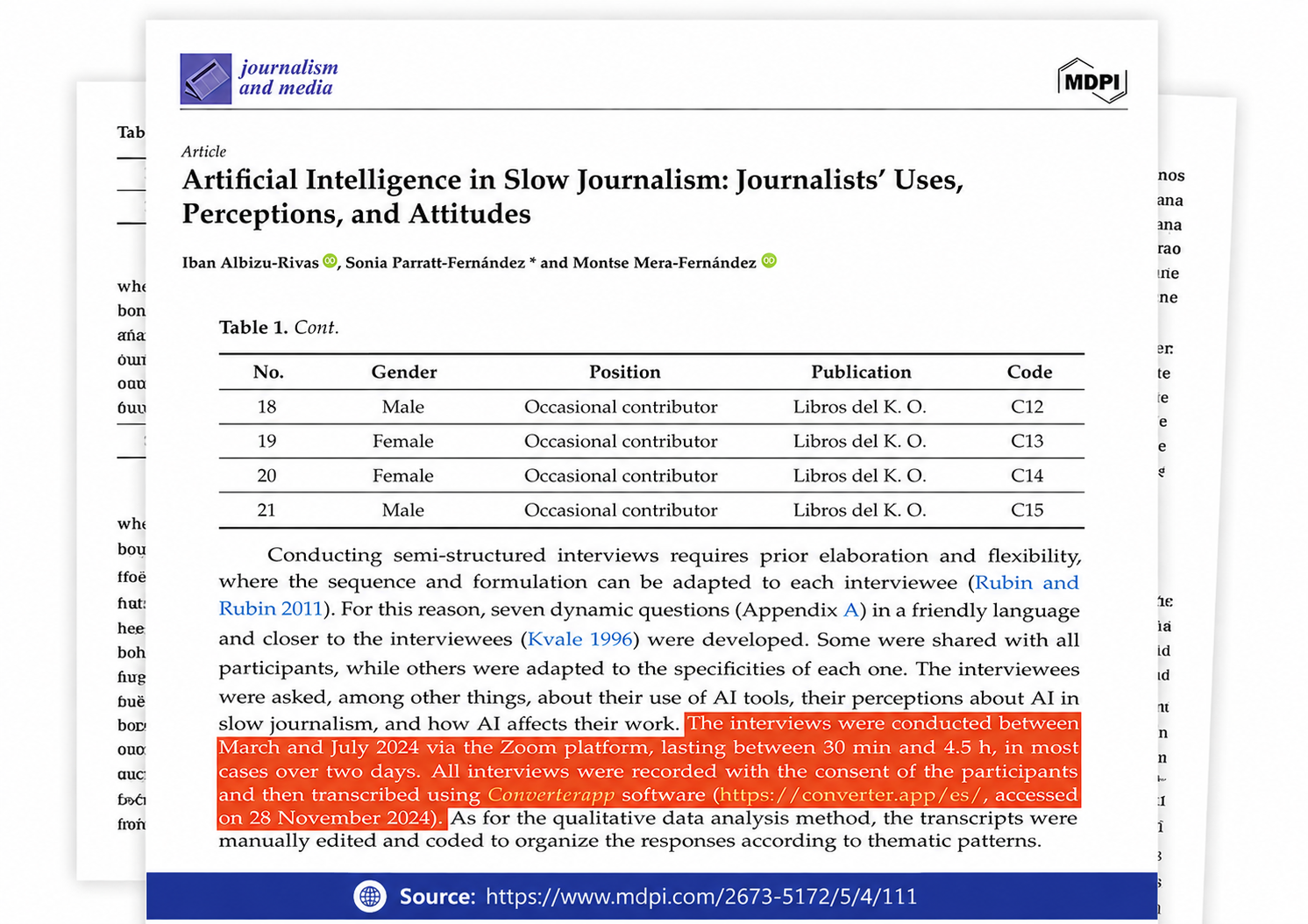
Referenced in published research and used for interview transcription and qualitative data analysis.
Browse a selection of verified Trustpilot reviews from professionals and students who use Converter App everyday to transcribe their audio recordings into accurate, editable text.
It extracts the spoken words from your video and turns them into an editable transcript.
You can copy, search, edit, or share the text after conversion. It is useful for interviews, podcasts, meetings, lectures, tutorials, screen recordings, webinars, and other videos with speech.
Yes. The tool is free to use, with no signup, no watermarks, and no daily caps or quotas.
You can upload one video at a time. When the transcript is ready, you can immediately start the next file.
Large videos may take longer to upload and process, so keep the browser tab open until you see the transcript.
Speaker Detection separates the transcript by voice and adds labels such as Speaker 1, Speaker 2, and so on.
Turn it on for videos with more than one person speaking, such as interviews, podcasts with a co-host, round-table discussions, client calls, team meetings, and panel conversations.
It makes the transcript easier to skim, quote, and review when several people are talking.
Leave Speaker Detection off for videos with mostly one speaker, such as lectures, tutorials, screen recordings, presentations, and voiceovers.
With detection off, you get a simpler transcript without speaker labels and with fewer paragraph breaks.
If you are not sure, ask yourself: Is this mostly one person talking? If yes, leave it off. If not, turn it on.
The spoken words are transcribed the same way whether Speaker Detection is on or off.
When Speaker Detection is enabled, the tool spends a little extra time separating who is speaking. Short clips usually do not take much longer, while long group calls can need more processing time.
The tool does not use real names. Speakers are labeled with generic names like Speaker 1. You can rename them after downloading the transcript.
For best results, keep voices close to the microphone, reduce background noise, and avoid loud music behind speech.
Try to avoid people talking over each other. If speakers overlap constantly, transcription can still work, but speaker labels may be less consistent.
With Speaker Detection on, the final transcript is organized into short sections under each speaker label. With it off, you get regular paragraphs without labels. Either way, the text is ready to paste into documents, notes, emails, or other tools.