Privacy First
Uploaded files are automatically and permanently deleted within two hours.
Automatic deletion

Transcribe MP3 audio into a Word-ready DOCX online.

Turn spoken MP3 audio into a Word-ready document in your browser. The MP3 to DOCX workflow is free, simple, and requires no sign-up.
Choose your recording and upload it directly from your browser.
Speech is converted into text and placed in a DOCX document automatically.
Save the Word-ready transcript when processing is complete.
Review, format, and share the transcript in any DOCX-compatible editor.
Built for spoken audio such as interviews, meetings, notes, and lectures.
Upload multiple MP3 recordings in one session and process them efficiently.
Uploaded audio and generated documents are automatically deleted after 2 hours.
Developed by engineers with 10+ years of experience in large-scale infrastructure, data systems, and scientific computing. Designed for real-world audio workflows where privacy, dependable processing, and practical usability matter.
Uploaded files are automatically and permanently deleted within two hours.
Rated 5 stars on Trustpilot for speed, reliability, and ease of use.
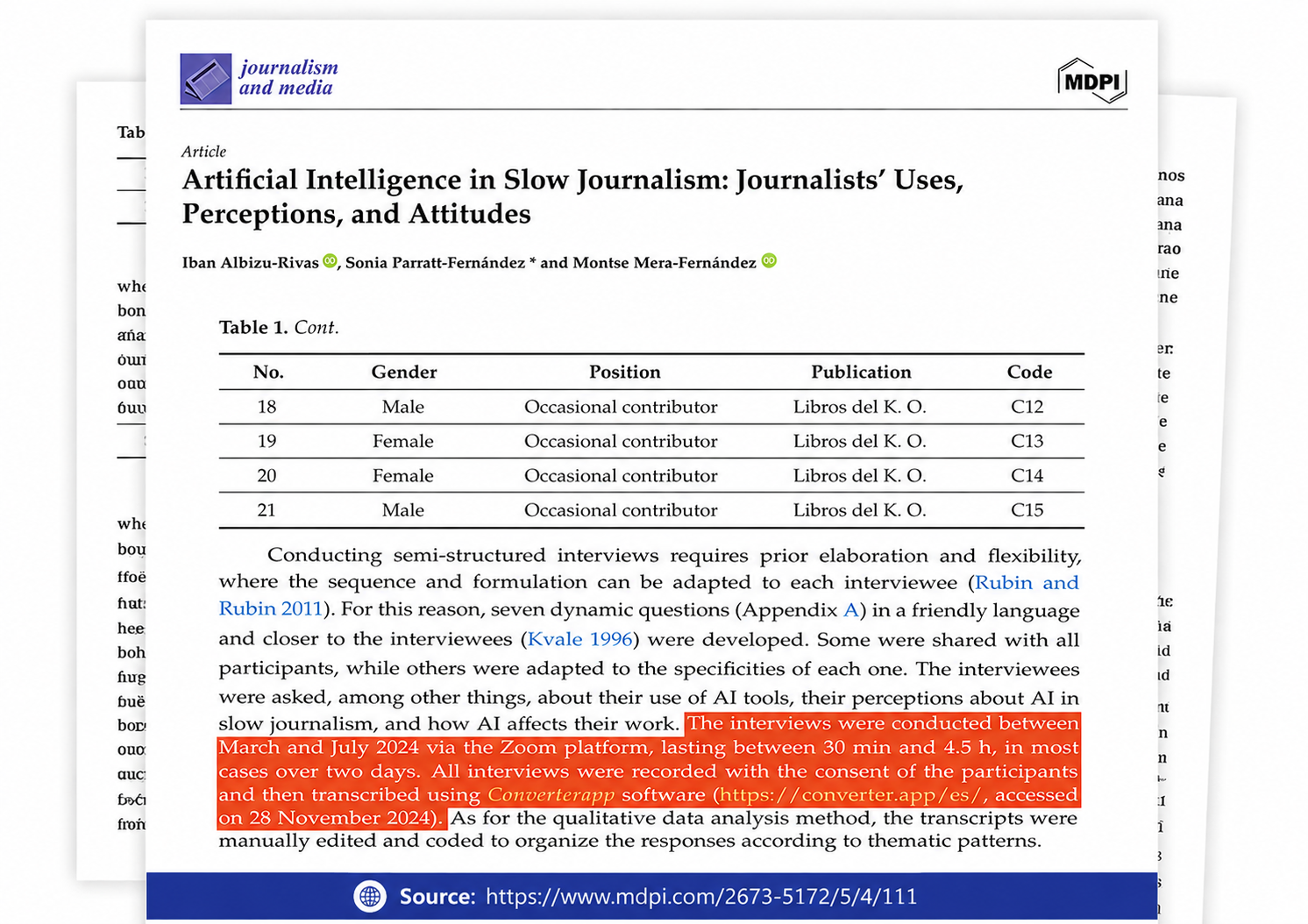
Referenced in published research and used for interview transcription and qualitative data analysis.
Read selected Trustpilot reviews from professionals who use Converter App to accurately transcribe their MP3 audio recordings into clear, editable Word documents.
Real numbers from every conversion on this tool since 24 October 2026. Nothing here is estimated: we record how long each job took and how large the files were. File names and contents are never stored.
share of all conversions
Times are server processing only, measured after the upload finished; upload and download are not included. Large files take longer, but the limit is the same for everyone: no account, no queue priority to buy. Updated 2026-11-13