Privacy First
Uploaded files are automatically and permanently deleted within two hours.
Automatic deletion

Convert MP3 audio to OGG online with clean, reliable sound.

Turn MP3 tracks into OGG audio in your browser with clear sound and simple controls. No sign-up, no paywalls, and no app install.
Choose one track or drop up to 20 MP3 files into the converter.
We encode to OGG with smart settings for clear playback and compact size.
Save each OGG result as soon as it is ready.
Smart audio settings keep the result clean without pretending lost MP3 detail can be restored.
Convert up to 20 MP3 tracks at once and download each finished OGG.
Use the converter for free in your browser, with no account or paywall.
Uploaded MP3 files and converted OGG audio are automatically deleted after 2 hours.
Backed by 10+ years of engineering expertise in large-scale data and scientific computing, it’s built for real-world workflows that require uncompromised audio quality, accelerated processing speeds, and reliable, high-level performance.
Uploaded files are automatically and permanently deleted within two hours.
Rated 5 stars on Trustpilot for speed, reliability, and ease of use.
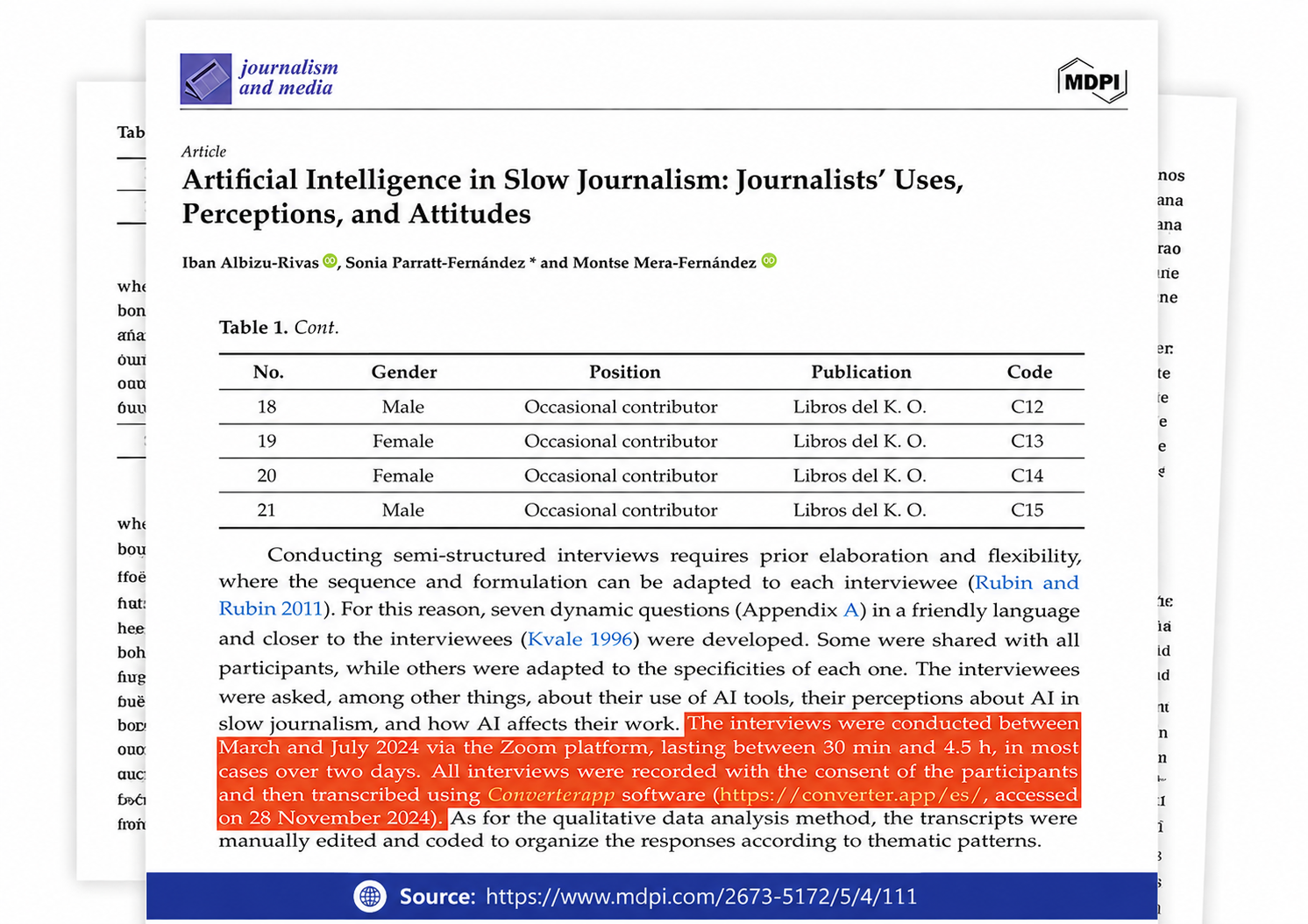
Referenced in published research and used for interview transcription and qualitative data analysis.
Queue up to 20 MP3 files in one batch, choose your desired OGG quality level (from 0 to 10), then download the converted files together. Use the same quality setting for the batch depending on whether the tracks share the same goal, such as voice notes or music playback.
Start with the highest quality MP3 you have and choose a high OGG quality setting (such as 8, 9, or 10) to preserve as much detail as possible. Because MP3 is a lossy format, it has already thrown away some audio detail; using a high quality setting minimizes further damage, but it cannot restore what is already gone.
For voice recordings, use a lower quality setting like 0 to 2 (which maps to roughly 64–96 kbps) to save space, unless you need perfectly clear speech. For music, choose a quality setting of 4 to 6 (around 128–192 kbps) for general listening. Choose 8 to 10 only when preserving the exact fidelity of the original MP3 is more important than keeping the file size small.
The audio quality is permanently limited by your source MP3, not the OGG format. Pushing the slider to a higher quality (closer to 10) can safely preserve the MP3 without adding new compression artifacts, but no conversion can magically recreate missing highs or lost dynamics.
Converter App is free and does not use a usage counter. Batch mode handles up to 20 MP3 files per run, and very large jobs are usually only limited by your upload speed and the time it takes to process the audio.
No account, email, or payment is required. Your MP3 is processed in an isolated sandbox and deleted automatically right after the conversion job finishes.