Privacy First
Uploaded files are automatically and permanently deleted within two hours.
Automatic deletion

Stop pinching and zooming: convert PDFs into real Kindle e-books whose text reflows and resizes like a purchased title
You can upload up to 20 files simultaneously.
A PDF describes where each letter sits on a fixed page, which is why PDFs on a six-inch Kindle screen are tiny or need constant zooming. Our converter recovers the document structure, turns the pages into flowing text and packages it with calibre as an AZW3 e-book.
Books, papers, manuals and reports work. Text-based PDFs give the best results; scanned PDFs need OCR first.
The PDF is converted into a structured document, then calibre builds the AZW3 with chapters and a table of contents.
Connect the Kindle by USB and copy the file into its documents folder, or open it in the Kindle app.
Because the text reflows, all Kindle reading settings work: font family, size, margins, line spacing, dark mode.
Figures and photos from the PDF are embedded in the book at the position they appear in the text.
Headings recognised in the PDF become entries in the Kindle's Go To menu and progress indicator.
Files are transferred encrypted and deleted automatically within two hours.
Backed by 10+ years of engineering expertise in large-scale data and scientific computing, it’s built for real-world document workflows that require accurate layout preservation, strict privacy, and dependable, high-level performance.
Uploaded files are automatically and permanently deleted within two hours.
Rated 5 stars on Trustpilot for speed, reliability, and ease of use.
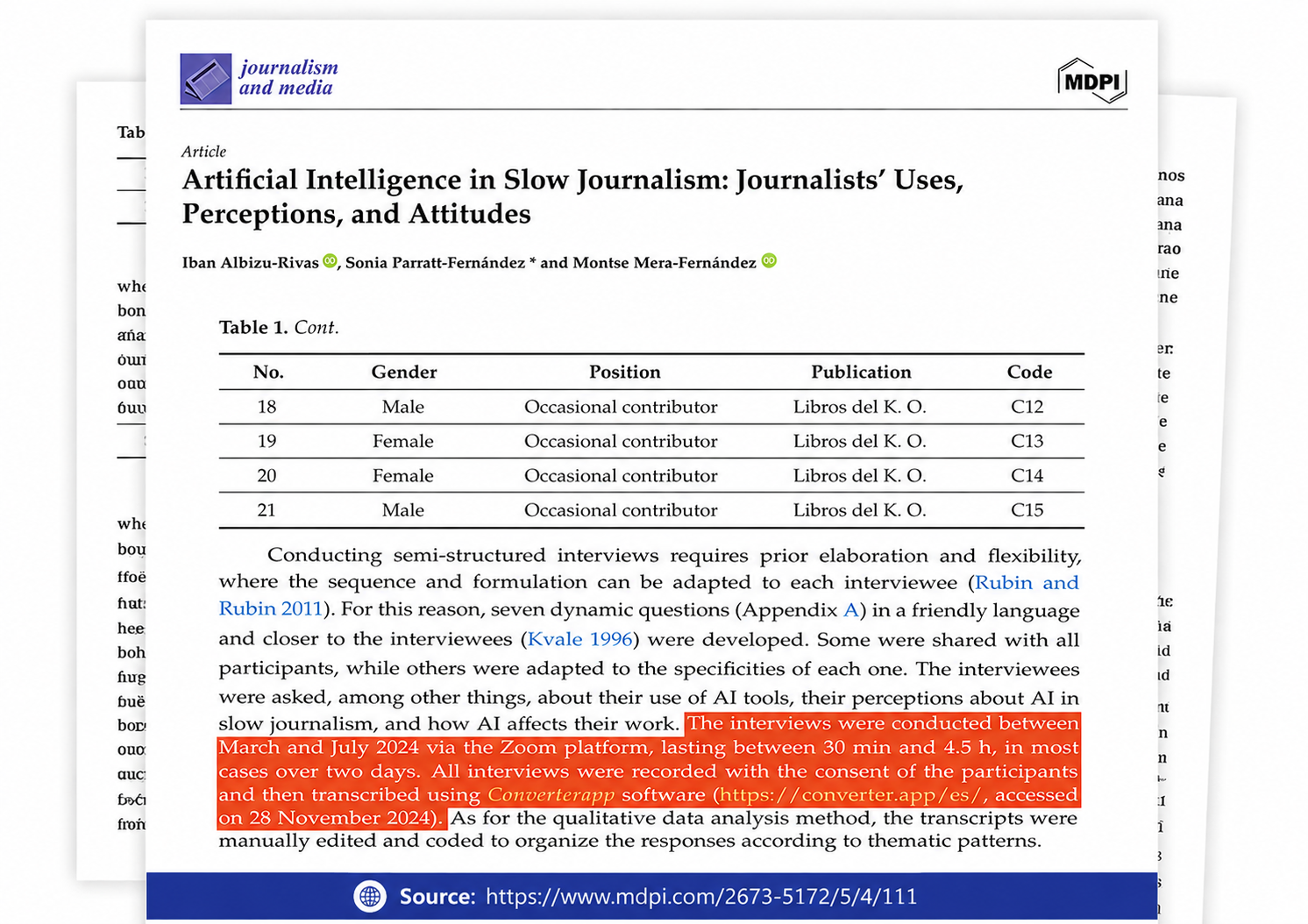
Referenced in published research and used for interview transcription and qualitative data analysis.
PDF was designed to reproduce a printed page identically everywhere, which is exactly the wrong property for a small e-ink screen. E-book formats take the opposite approach: they store text and structure and let the device decide how to lay it out at the reader's chosen font size. That is why a converted book on a Kindle can be read in large type without horizontal scrolling, supports the dictionary, highlights and X-Ray, and shows reliable progress and time-left estimates. The conversion's job is to turn the page description back into structure, which is easy for a novel and hard for a magazine.
The PDF is first analysed and rebuilt as a structured word-processing document: paragraphs are joined across line breaks and pages, headings are detected by size and weight, lists and images are placed in reading order. Long documents go through a more thorough analysis pass. Should that stage fail on an unusual file, an open-source pdf2docx fallback takes over. The structured document is then passed to calibre's ebook-convert, which generates the AZW3, builds the table of contents from the headings and embeds the images. The two-stage approach produces far better reflow than feeding a PDF directly into calibre, whose own PDF input tends to keep hard line breaks.
AZW3 (KF8): native since 2011, best typography, loads via USB and the Kindle app. EPUB: accepted by Send to Kindle since 2022 and converted by Amazon on delivery; the easiest wireless route. MOBI: legacy, only needed for the earliest Kindles. PDF: supported directly but without reflow. If you regularly read documents on a Kindle, a good habit is to convert to AZW3 for the device and keep the PDF as the reference copy.
You get AZW3, also called Kindle Format 8. It has been the native format of every Kindle since the Kindle Touch and supports modern typography, embedded fonts and nested tables of contents. MOBI is the 2004-era predecessor with cruder formatting; Amazon itself stopped accepting it through Send to Kindle in 2022. Only first-generation Kindles (2007 to 2010) need MOBI, and for those our EPUB to MOBI converter helps.
Connect the Kindle to your computer with a USB cable, open it like a drive and copy the .azw3 file into the documents folder. Eject the Kindle; the book appears in the library. The Kindle app on phones can open the file from a share sheet. Amazon's Send to Kindle email service does not accept AZW3, so for wireless delivery convert the PDF to EPUB instead, which Send to Kindle converts on Amazon's side.
You can, and for fixed layouts such as sheet music or comics that is the right choice. For normal reading a PDF on a Kindle shows a whole page at once in tiny type, with no reflow, no font control and awkward zooming. Converting produces a real e-book that reads like a bought title.
Not always. Converting a fixed page layout into flowing text is an interpretation. Simple books and articles convert very well; multi-column papers, text wrapped around images, tables and footnotes can end up in an odd order or lose their alignment. Open the result and check a few chapters; if a section is garbled, converting the PDF to Word, tidying it and converting the DOCX to AZW3 gives you full control.
Scanned PDFs contain pictures of pages, not text. They convert, but the result is a book of page images with no reflow. Run the PDF through OCR first (our OCR tools produce a searchable PDF or Word file), then convert that to Kindle format for proper text.
No. The PDF and the generated AZW3 are deleted from our servers automatically within two hours, and the content is never used for anything else.