Privacy First
Uploaded files are automatically and permanently deleted within two hours.
Automatic deletion

Extract MP3 audio from WEBM videos quickly and easily.

Extract audio from WEBM videos and save it as an MP3 that plays in more apps, editors, and devices.
Choose the WebM video you want to convert from your computer.
Let the converter process your video; most WEBM to MP3 jobs finish quickly.
Save the converted MP3 audio to your computer when it is ready.
Convert without registration, payment, or daily usage limits.
Create audio that is easier to open, share, edit, and play almost anywhere.
Upload long or high-resolution WEBM videos, including files over 1 GB.
Uploaded videos are automatically deleted from our servers after 2 hours.
Backed by 10+ years of engineering expertise in large-scale data and scientific computing, it’s built for real-world workflows that require uncompromised audio quality, accelerated processing speeds, and reliable, high-level performance.
Uploaded files are automatically and permanently deleted within two hours.
Rated 5 stars on Trustpilot for speed, reliability, and ease of use.
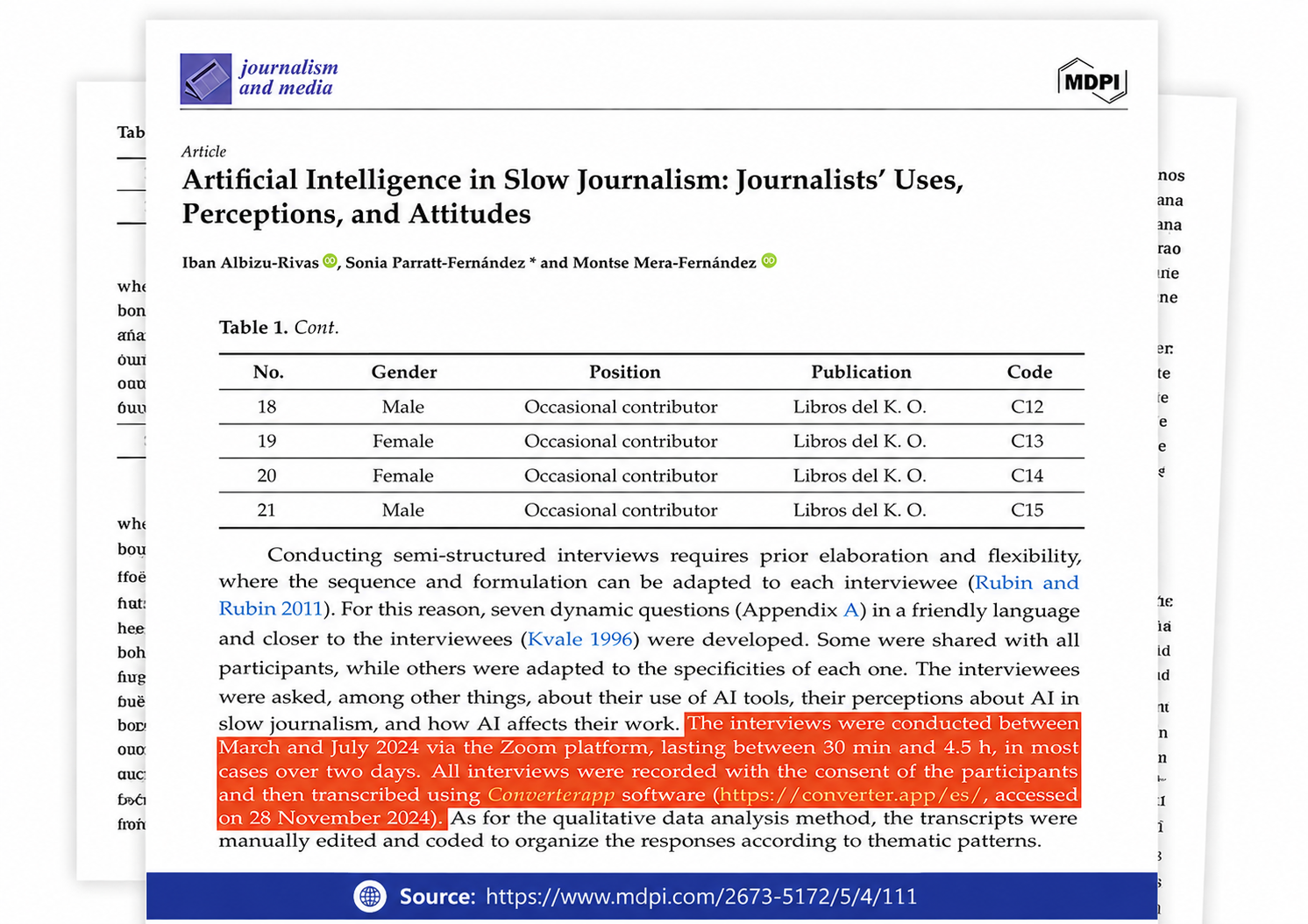
Referenced in published research and used for interview transcription and qualitative data analysis.
For WebM to MP3, this page does not preserve or rewrite the video at all; it extracts the sound and drops the picture. If the original clip is already out of sync, the audio file will follow that timing, because conversion cannot create a corrected track.
Use a lower kbps bitrate for spoken audio, since the video track is removed and voice stays usable at smaller sizes. Avoid pushing music too low just to hit the limit; MP3 is lossy, and a second compression pass can make cymbals, bass, and background detail sound rough.
Yes, converting WebM to MP3 is usually the right fix when a phone rejects the web video container, especially if the clip used VP9 or AV1 video. The result is audio-only, so use a different export path if you still need the picture.
No. Converter App is free and unlimited on this page: no watermark, no length limit, no premium unlock, and no email required before download.
No. The output keeps the sound only; subtitles, alpha transparency, overlays, and other video-only tracks are not written into the audio file. Keep a separate caption file or export a video if those parts matter.
You can queue up to 20 files in one run, and there is no usage counter or strict file-size cap for large originals. Very large clips still take longer because the audio has to be decoded and re-encoded.