Privacy First
Uploaded files are automatically and permanently deleted within two hours.
Automatic deletion

Turn PDFs into editable WORD documents with strong layout fidelity.
Turn fixed-layout PDFs into WORD documents that are easier to open, revise, search, and share while retaining readable structure wherever possible.
Rebuild paragraphs, headings, lists, and tables in a WORD document you can work with.
Run unlimited free conversions in your browser with no installation required.
Files are automatically deleted after two hours.
Use it free for unlimited PDF conversions, with no daily cap, registration, or account.
Extracted text stays searchable and editable, depending on the source PDF’s text quality.
Open the result in common document editors for simpler reviewing, sharing, and updates.
Keep fonts, tables, margins, headings, and spacing readable wherever the PDF structure allows.
Backed by 10+ years of engineering expertise in large-scale data and scientific computing, it’s built for real-world document workflows that require accurate layout preservation, strict privacy, and dependable, high-level performance.
Uploaded files are automatically and permanently deleted within two hours.
Rated 5 stars on Trustpilot for speed, reliability, and ease of use.
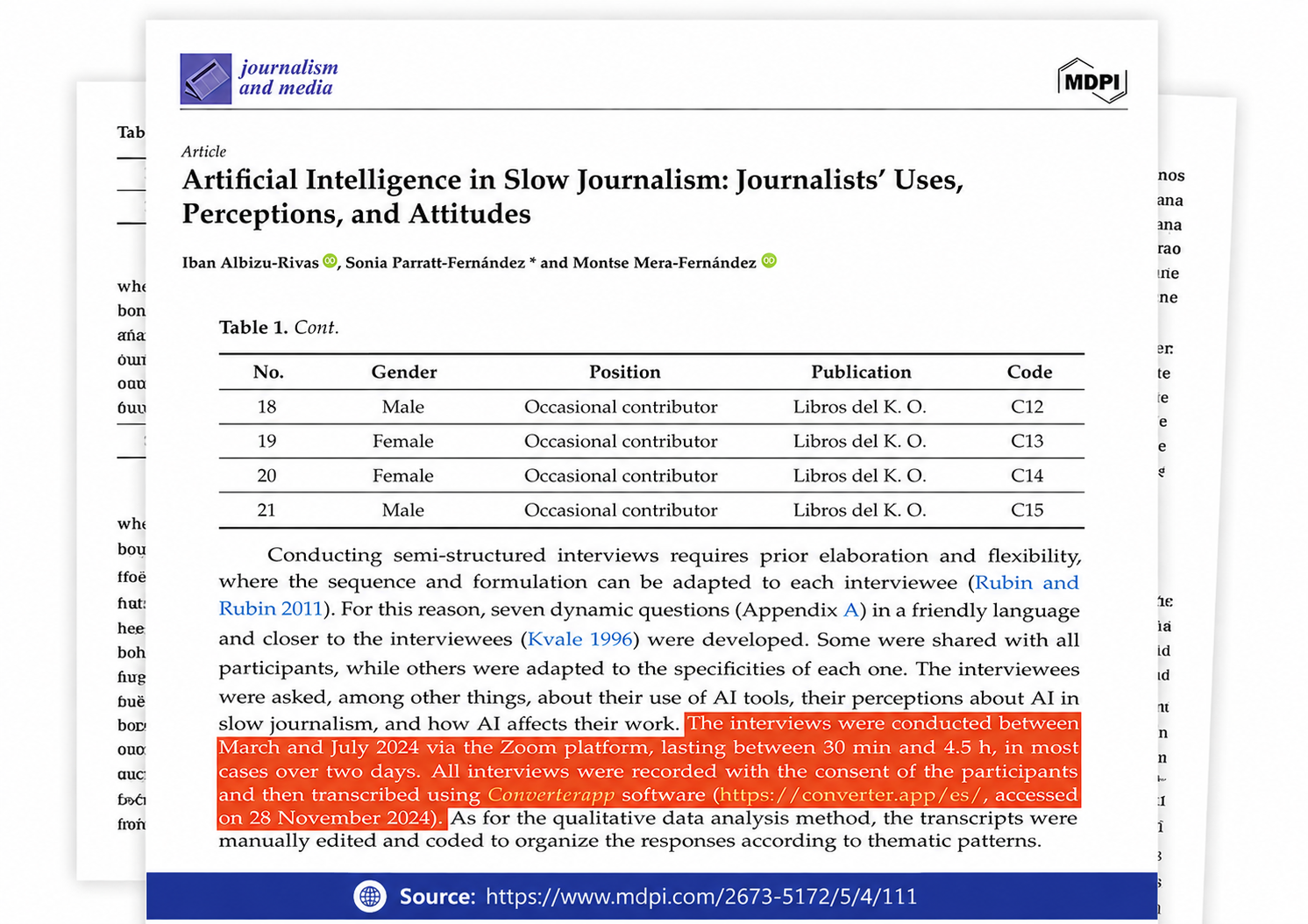
Referenced in published research and used for interview transcription and qualitative data analysis.
Yes. You can convert a 300-page PDF to Word for free without creating an account or receiving a watermarked document. There is no page limit, and you can convert as many PDFs as you need, one file at a time.
Upload the version that looks clearest and uses standard or embedded fonts. This usually provides the closest layout match. Check complex tables, images, and unusual fonts after conversion.
Yes. The converted document opens in common Word-compatible editors on mobile devices, Windows, and macOS. Its appearance may vary slightly if fonts from the original PDF are not installed on the device.
Your PDF is processed securely in an isolated environment and automatically deleted from our servers within two hours. It is not kept as a permanent copy.
Yes. The converted Word document lets you edit recognized text, tables, headers, and other document elements. You can also search the document, revise its content, and share the updated version.
Yes. The converter accepts one PDF at a time, but there is no limit on how many documents you can convert. Download the finished Word document, then submit your next PDF.
Yes. The converter uses OCR and advanced layout reconstruction to turn scanned PDFs into editable Word documents while preserving the original text, tables, images, and page layout as closely as possible. Clear, high-resolution scans produce the best results.