Privacy First
Uploaded files are automatically and permanently deleted within two hours.
Automatic deletion

Convert AIFF audio to compact, widely supported MP3 in seconds.

Convert AIFF to MP3 with clear bitrate choices and downloads that appear as each track finishes. Uploaded audio is automatically deleted after 2 hours.
Add AIF, AIFF, or AIFC audio, choose Auto or 64 320 kbps in Expert Settings, then upload.
We convert your audio to MP3 on fast servers, with large uploads and up to 20 files.
Download each MP3 when ready; for batches, save them one by one when Download appears.
Convert AIFF, AIF, or AIFC audio for free, with no registration and no daily usage limit.
MP3 audio opens in more players, editors, messaging apps, and sharing workflows than AIFF.
Choose Auto or 64 320 kbps to balance sound detail and MP3 size.
Upload up to 20 AIF, AIFF, or AIFC recordings and download each MP3 as it finishes.
Backed by 10+ years of engineering expertise in large-scale data and scientific computing, it’s built for real-world workflows that require uncompromised audio quality, accelerated processing speeds, and reliable, high-level performance.
Uploaded files are automatically and permanently deleted within two hours.
Rated 5 stars on Trustpilot for speed, reliability, and ease of use.
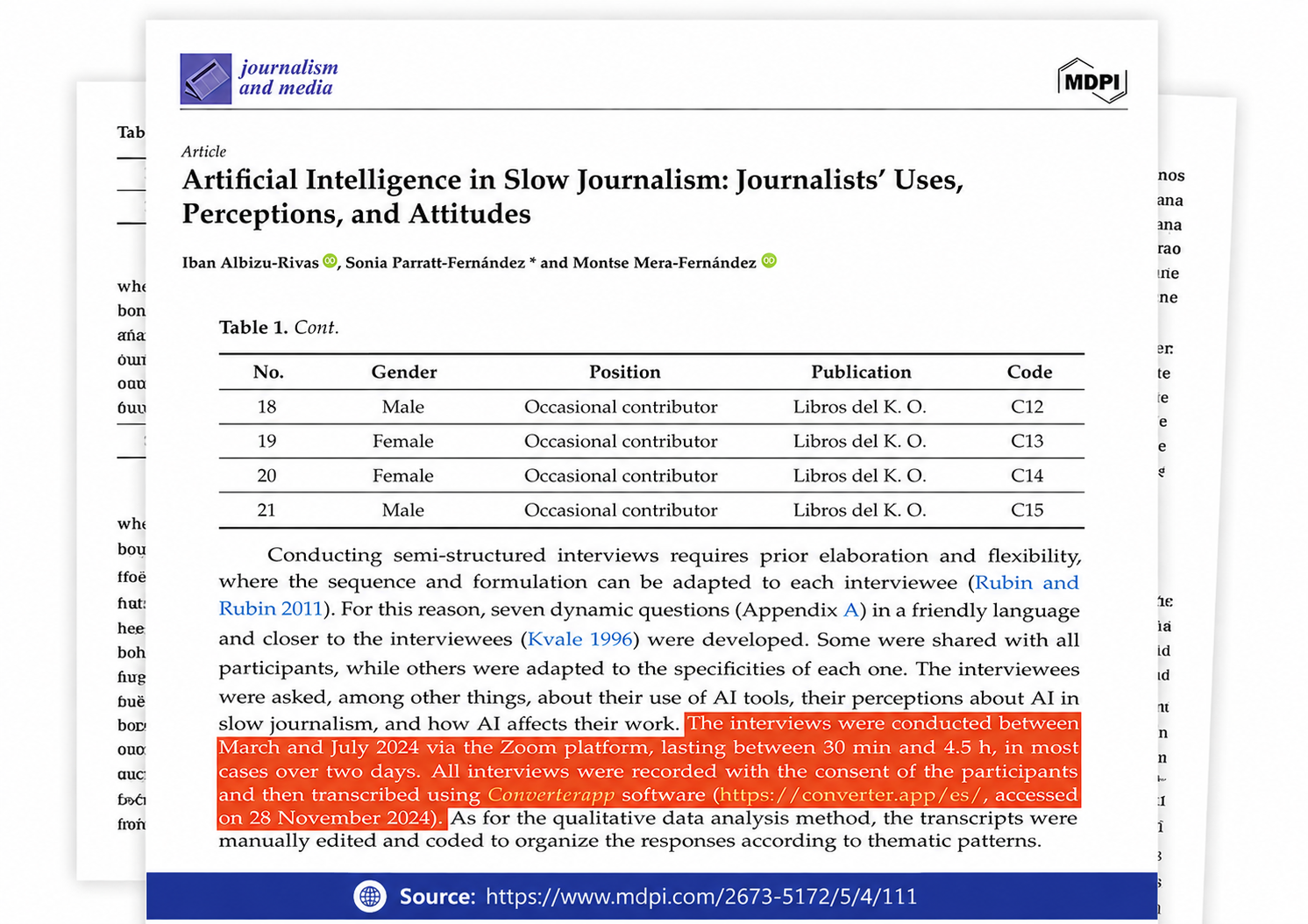
Referenced in published research and used for interview transcription and qualitative data analysis.
Significantly smaller. A 4-minute AIFF song is typically around 40 MB. The same track as a 320 kbps MP3 is about 9 MB, and as a 192 kbps MP3 around 5 MB — a 75–90% reduction. The exact saving depends on the bitrate you choose.
Yes, but for most listeners the difference is inaudible at higher bitrates. MP3 uses psychoacoustic compression to keep only what your ears can detect — at 320 kbps the result is effectively transparent. For music you'll listen to critically, use 320 kbps. For podcasts or voice recordings, 128 kbps is fine.
Yes. GarageBand and Logic Pro default to AIFF when bouncing a project, which means recipients on Windows or Android often can't play the file. Upload your bounce directly — AIF, AIFF, and AIFC are all accepted.
In most cases, yes. Track title, artist, album, year, track number, and embedded album art are transferred to the MP3's ID3 tags. Some very old AIFF files without existing metadata will produce MP3s without tags, but modern exports from GarageBand, Logic Pro, and iTunes include full metadata.
Use Auto if you're unsure — it picks the best setting for your file. For manual control: 320 kbps for music you'll archive or listen to carefully; 192 kbps for everyday listening; 128 kbps for speech or podcasts. Avoid going below 128 kbps for music — compression artifacts become noticeable.
Yes — upload up to 20 AIFF files in one batch. Each MP3 becomes available to download as soon as it's ready, so you don't have to wait for the full batch to finish.