Privacy First
Uploaded files are automatically and permanently deleted within two hours.
Automatic deletion

Transcribe MP3 to clean, editable text in minutes.

Let Converter App generate a ready-to-use transcript from your audio file. Built for interviews, lectures, meetings, podcasts, voice notes, and long-form recordings.
Select a file from your device or drag it directly into the upload area.
The converter uploads your file and shows live progress while the transcript is generated.
When processing is complete, download the generated text transcript from your browser.
Modern AI speech recognition for highly accurate MP3 transcripts.
Upload MP3 recordings over 1 GB or longer than 2 hours.
Transcribe spoken audio in English, Spanish, German, French, and more.
Handles accents, fast speech, and moderate background noise effortlessly.
Use Converter App directly in your browser without local setup, manual configuration, or monthly software plans.
| Feature | Converter App | Local Whisper | Paid/Freemium Services |
|---|---|---|---|
| Cost | 100% Free | Hardware and compute costs | Monthly subscriptions ($10–$30+) |
| Setup | Instant access | Complex manual setup | Account creation mandatory |
| Audio Limits | Even long audios (2h+) supported | Depends on your PC | Heavily restricted on free tiers |
| Speaker Detection | Built in | Requires manual configuration | Often locked behind paywalls |
| Privacy | All data deleted within two hours | Fully local | Often stored according to provider retention policies |
Developed by engineers with 10+ years of experience in large-scale infrastructure, data systems, and scientific computing. Designed for real-world audio workflows where privacy, dependable processing, and practical usability matter.
Uploaded files are automatically and permanently deleted within two hours.
Rated 5 stars on Trustpilot for speed, reliability, and ease of use.
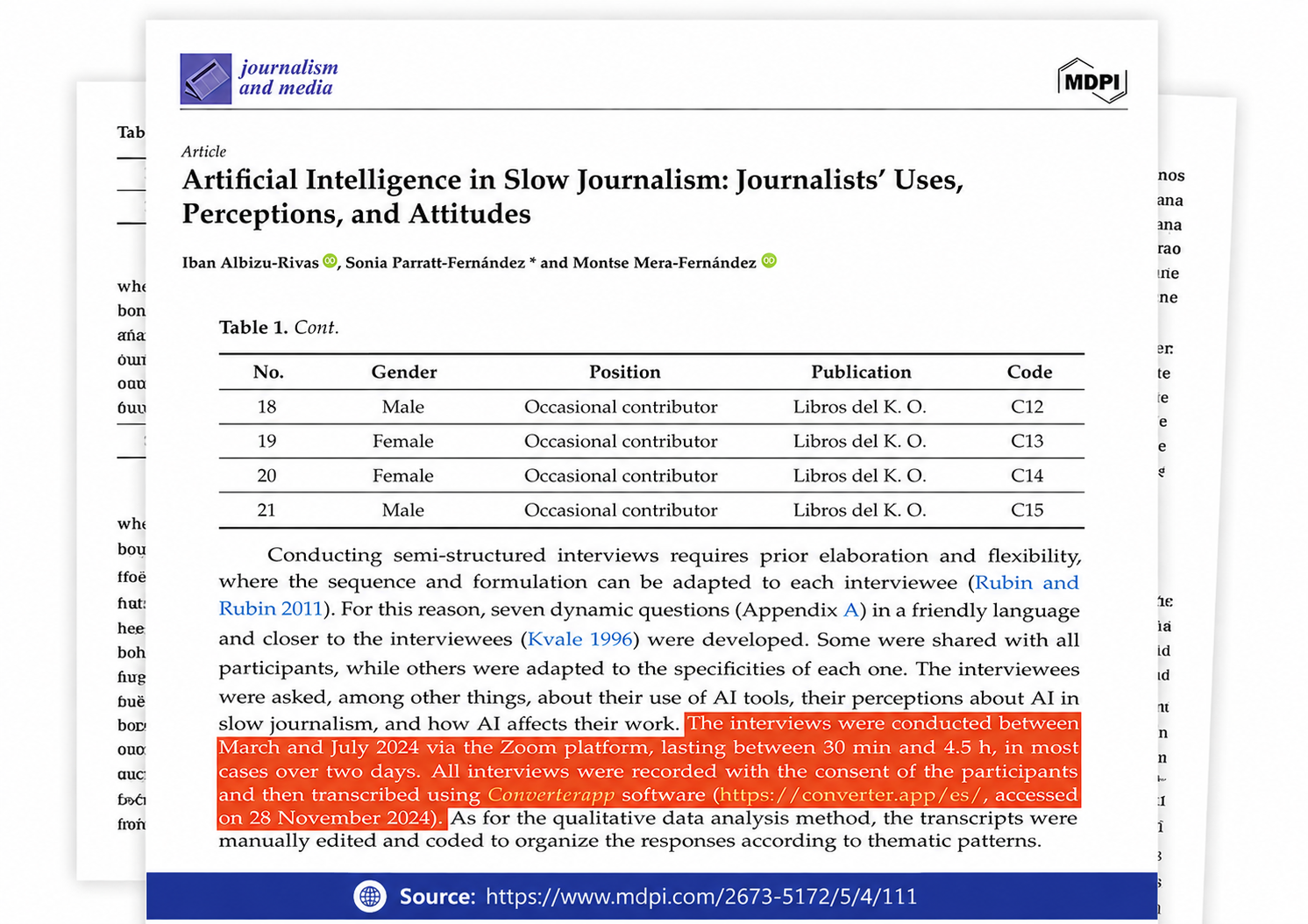
Referenced in published research and used for interview transcription and qualitative data analysis.
Selected Trustpilot reviews from users who converted MP3 audio into editable text with Converter App.
Yes. Our tool supports speaker detection, which can separate different voices and organize the transcript by speaker.
This is useful for interviews, podcasts, meetings, webinars, lectures, and conversations with multiple people.
Enable the "Detect Multiple Speakers" option before uploading your MP3. The transcript will label voices as Speaker 1, Speaker 2, and so on.
Our converter uses Whisper v3, a state-of-the-art AI speech recognition model, to convert MP3 audio recordings into accurate text transcripts.
The system is designed for real-world audio, including interviews, meetings, podcasts, lectures, accents, and natural conversations.
No technical setup is required. Upload your MP3 and the transcript is generated automatically.
No. In most cases you can upload your MP3 directly.
The AI can handle common recording conditions such as phone audio, pauses, accents, and moderate background noise.
Cleaner recordings can improve accuracy, but trimming or editing your file is usually not required.
Yes. The tool automatically detects the spoken language, so you normally do not need to choose a language before uploading.
It supports 100+ languages and is suitable for multilingual interviews, lectures, podcasts, meetings, and voice recordings.
Yes. You can convert your MP3 transcription into a formatted Microsoft Word .docx document.
This is useful for interviews, meeting notes, lectures, research, client calls, and professional documentation.
If you are looking for a specific format or converter (such as subtitles in SRT or VTT, Word documents, or audio tools), use the search box at the top of the page to quickly find the right tool.
If you need timestamps, choose the SRT format to get a clean, time-synced transcript.
→ Next Step: Use our 100% free MP3 to DOCX Converter.
Your uploaded files and generated transcripts are automatically deleted within two hours of processing.
The tool is designed for practical transcription workflows without requiring an account or subscription.