Privacy First
Uploaded files are automatically and permanently deleted within two hours.
Automatic deletion

Bundle one or many PDF files into a RAR archive to send them as one attachment, protect them with a password or just keep them together
Nothing inside the PDF changes. The original RAR 6.23 archiver reads your files, compresses them at its highest level and writes a RAR5 archive. Extracting it gives back byte-identical PDFs.
Drag one or several PDF files onto the upload box. Scanned PDFs, forms, signed documents and PDF/A files are all fine; the content is not interpreted.
RAR compresses with level 5 on four threads. A 2 MB report takes well under a second, a 300 MB scan batch a few seconds.
A single file keeps its name with the .rar extension; several files are delivered as files.rar. Open with WinRAR 5+, 7-Zip, PeaZip or The Unarchiver.
RAR is a lossless container. Every page, font, form field and signature in the PDF is exactly the same after extraction.
Twenty invoices become one file under the 25 MB mail limit, with names preserved, instead of twenty attachments or a long cloud link list.
The password option uses RAR header encryption, so even the list of file names is hidden. AES-256, no recovery by us or anyone else.
Files travel over TLS, are never opened by a person and are removed from the server two hours after the job.
Backed by 10+ years of engineering expertise in large-scale data and scientific computing, it’s built for real-world document workflows that require accurate layout preservation, strict privacy, and dependable, high-level performance.
Uploaded files are automatically and permanently deleted within two hours.
Rated 5 stars on Trustpilot for speed, reliability, and ease of use.
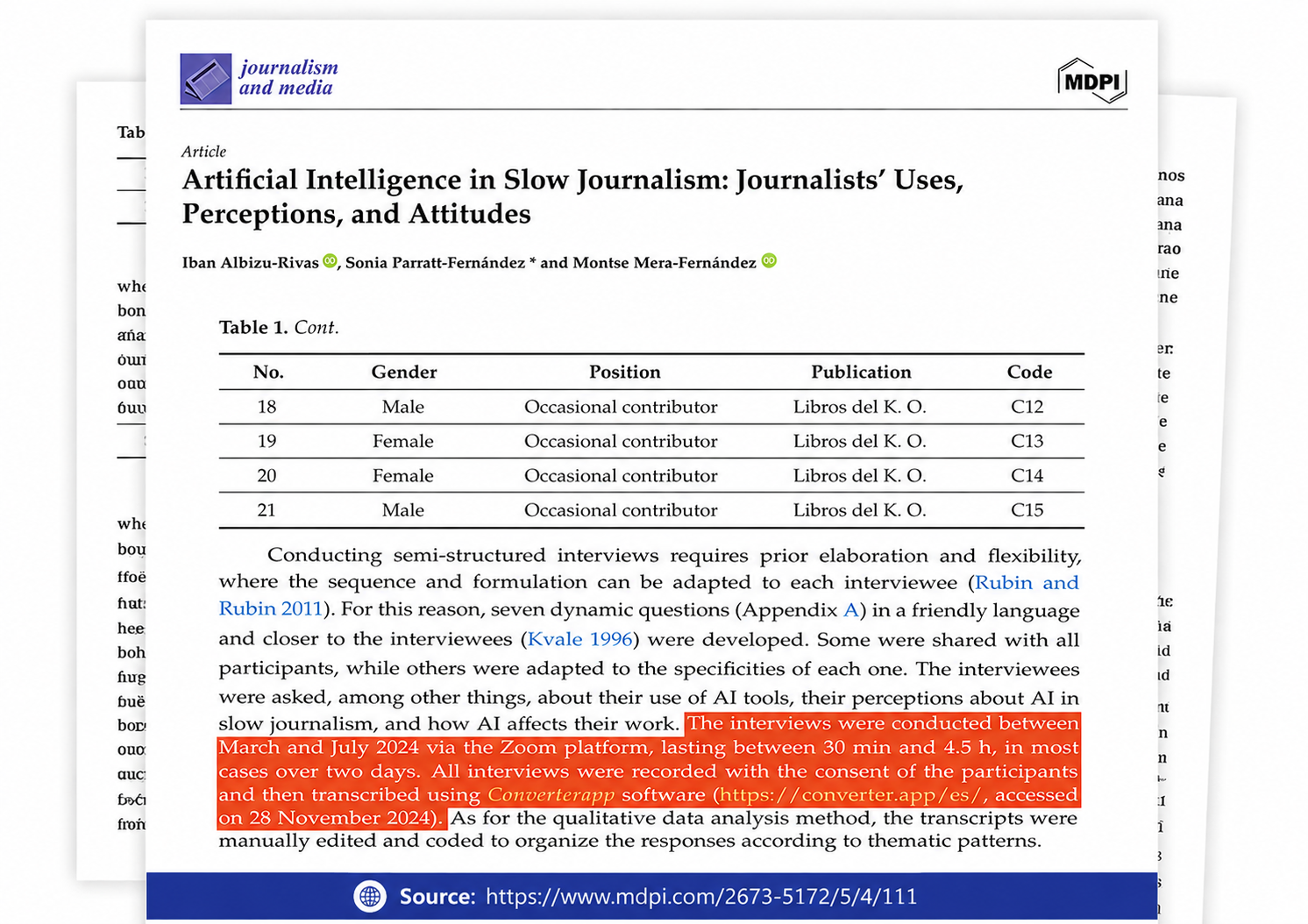
Referenced in published research and used for interview transcription and qualitative data analysis.
Real numbers from every conversion on this tool since 24 October 2026. Nothing here is estimated: we record how long each job took and how large the files were. File names and contents are never stored.
share of all conversions
Times are server processing only, measured after the upload finished; upload and download are not included. Large files take longer, but the limit is the same for everyone: no account, no queue priority to buy. Updated 2026-11-15
Three reasons come up again and again. Delivery: a batch of statements, scans or e-books as one attachment or one download link. Protection: a password that hides both contents and names, where PDF's own password only protects the content. Housekeeping: a project's documents in one dated archive with integrity checks, so a damaged copy is detected on extraction instead of silently producing broken files.
The archiver reads each PDF, splits it into blocks and compresses them with its LZ-based algorithm at level 5. Because PDF streams are already Flate-compressed, most blocks are incompressible and are stored almost as they are. The archive adds a small header per file plus a BLAKE2 or CRC32 checksum. A 25 MB PDF typically becomes a 23 to 24 MB RAR. A scanned PDF that stores pages as uncompressed bitmaps, which some old scanners produce, can drop to a third of its size.
Extracting restores the original PDFs. On Windows, WinRAR or 7-Zip add an Extract entry to the right-click menu; macOS needs The Unarchiver or Keka from the App Store because Finder only handles ZIP; Linux has unrar and 7z in every distribution. On phones, RAR for Android and the Files app on iOS 16 and newer open RAR archives directly. If a recipient cannot install software, convert the archive to ZIP with RAR to ZIP.
Up to 20 PDFs per job, uploaded from the browser as a flat list. The archive is a standard non-solid RAR5 file without volumes or recovery record, created by RAR 6.23 at compression level 5 with four threads. Jobs larger than 100 MB are handed to a dedicated archiving server. Uploads and results are deleted automatically two hours after processing, and no one at Converter App reads the documents.
Usually not. Text in a PDF is already Flate-compressed and images are JPEG or Flate streams, so RAR finds 2 to 15 percent to save, more only in PDFs that embed uncompressed images or many fonts. If you need a smaller PDF rather than an archive, use Compress PDF, which rewrites the images inside the document. Use RAR to bundle, protect or deliver, not to shrink.
Yes, up to 20 per job. Select them together in the file dialog or drag them all onto the upload area. The archive lists them side by side under their original names. Browsers do not upload folders, so sub-folder structure is not kept.
Open the expert settings on this page, enter a password, then upload. The archiver is run with header encryption, which means both the documents and the file names are encrypted with AES-256. Anyone opening the archive needs the password even to see what is inside. The password is used for that job only and never stored; a forgotten password cannot be recovered.
No. Archiving is lossless. After extraction the PDF is byte for byte identical, including digital signatures, form data, bookmarks, PDF/A conformance and metadata. We do not open, render or re-save the document.
RAR 5.0, the current format since 2013. It opens in WinRAR 5 and newer, 7-Zip, PeaZip, Bandizip, The Unarchiver and Keka on macOS, unrar and 7z on Linux, and RAR or ZArchiver on Android. WinRAR versions from before 2013 cannot read RAR5 and report the file as damaged.
For PDFs the size difference between the two is negligible because the documents are already compressed. Choose ZIP when the recipient should be able to open the archive without installing anything, since every Windows and macOS version extracts ZIP natively: PDF to ZIP. Choose RAR when you want encrypted file names, archives over 4 GB without special handling, or the recipient already uses WinRAR.