Privacy First
Uploaded files are automatically and permanently deleted within two hours.
Automatic deletion

Convert WAV audio to OGG with clean, faithful sound in seconds.

Convert WAV to OGG when lossless recordings are too large or not accepted where you need them. OGG Vorbis keeps playback and sharing practical.
Choose WAV audio or drag it in, with up to 20 files at once.
We convert your audio to OGG Vorbis automatically, usually in a few seconds.
Download your OGG audio; batch jobs finish quickly and are ready to save.
Convert as much as you need with no registration, account, daily limit, or paywall.
Uploaded WAV audio is automatically deleted after 2 hours once processing is complete.
Add up to 20 WAV recordings and convert them to OGG in one run.
Keeps sample rate and channels when possible, avoiding unnecessary changes during OGG encoding.
Easily convert bulky WAV files into lightweight OGG format right from your browser. No need to install heavy desktop editors, configure Vorbis encoders, or pay for premium limits.
| Feature | Converter App | Desktop Software (e.g., Audacity) | Paid Web Converters |
|---|---|---|---|
| Cost | 100% Free | Free, but drains local CPU | Pricey monthly subscriptions |
| Setup & Ease of Use | Instant browser access | Requires downloads and OGG encoders | Mandatory sign-ups & logins |
| File Size Limits | Handles giant WAV files easily | Limited by your PC's memory | Strict caps on free accounts |
| Conversion Speed | Lightning-fast cloud processing | Tied to your CPU capabilities | Slowed down in free queues |
| Privacy & Security | All files wiped within 2 hours | Fully offline | Files kept per provider rules |
Backed by 10+ years of engineering expertise in large-scale data and scientific computing, it’s built for real-world workflows that require uncompromised audio quality, accelerated processing speeds, and reliable, high-level performance.
Uploaded files are automatically and permanently deleted within two hours.
Rated 5 stars on Trustpilot for speed, reliability, and ease of use.
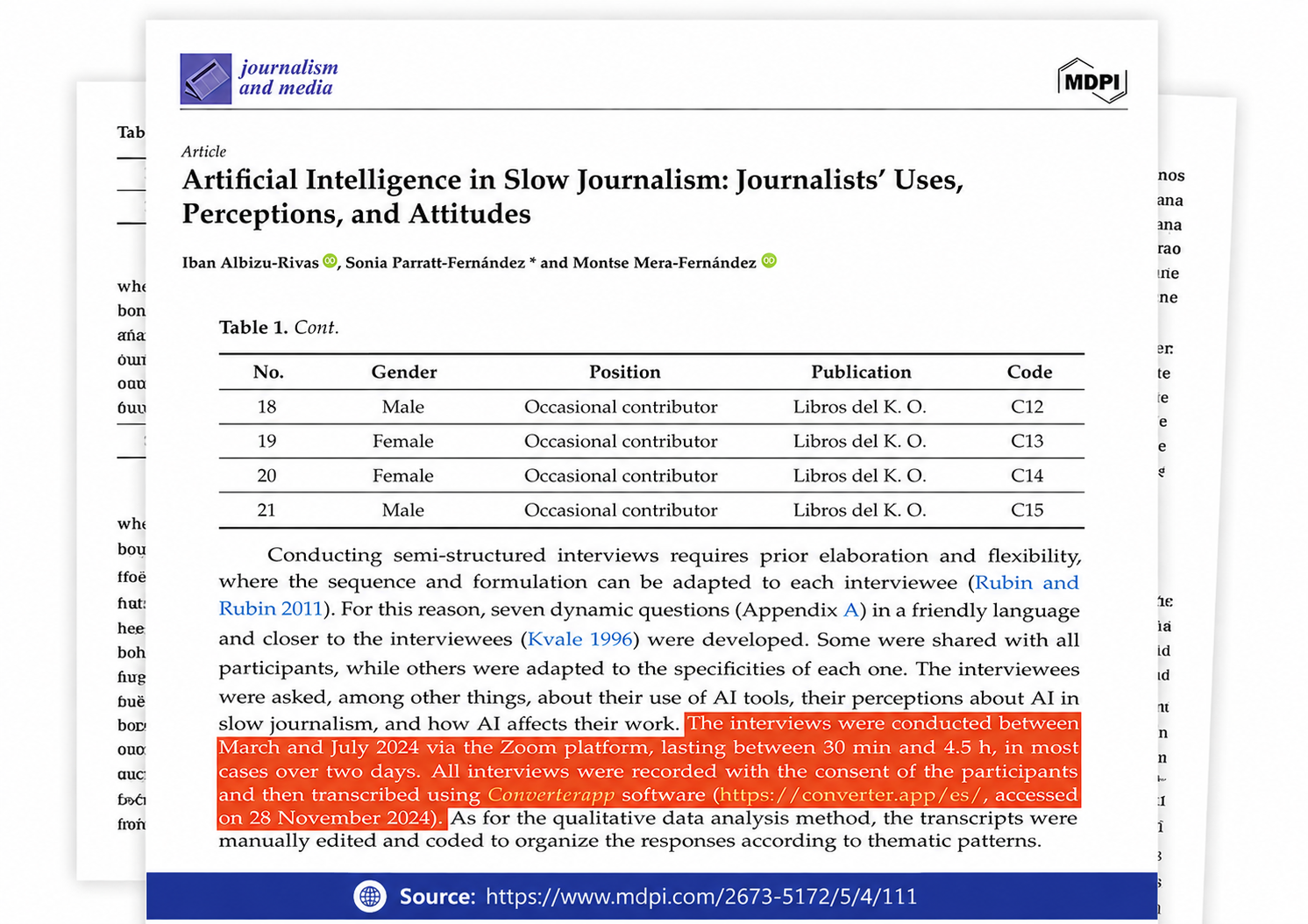
Referenced in published research and used for interview transcription and qualitative data analysis.
Use batch mode: queue up to 20 WAV files, set the OGG quality, sample rate, and channels, then download the converted files together. If the tracks need different voice/music settings, split them into separate runs instead of forcing one setting on everything.
For voice, use mono and a lower OGG quality setting if file size matters; keep the sample rate close to the source unless you have a reason to downsample. For music, keep stereo and use a higher quality value; this converter uses a 10 to 0 quality scale, not a bitrate box.
The cause is usually the audio inside the WAV, not the .wav extension. If that WAV was made from a low-bitrate file, clipped recording, or noisy capture, converting to OGG cannot restore the missing detail.
Keep the original WAV as the master, choose a higher OGG quality value, and avoid lowering sample rate or channels unless you need the smaller file. A lossy OGG encode discards audio data, and re-encoding that OGG later throws away more.
Converter App is free and unlimited, so WAV to OGG runs do not hit a paywall or usage counter. For a large library, work in chunks so a browser crash or network drop does not take out the whole job.
Your file is processed in an isolated sandbox and deleted automatically right after the conversion finishes. Do not upload audio you are not allowed to send to an online processor; deletion after the job does not override legal or client restrictions.