Privacy First
Uploaded files are automatically and permanently deleted within two hours.
Automatic deletion

Turn an MP4 video into a standalone OGG audio download.

Extract the audio track from an MP4 and save it as an OGG you can use in compatible players, editors, or web projects. Uploads are deleted after 2 hours.
Select your MP4 video and upload it from your device.
The MP4 to OGG conversion starts automatically; wait until processing is finished.
Click the download button to save the MP4 audio stream as OGG.
Use it free with no registration, no account, and no daily usage limit.
Create a standalone OGG audio stream for easier playback, sharing, or editing.
Sensible OGG encoding settings keep speech and music clear without avoidable loss.
Convert MP4 videos over 1 GB when you need to extract longer audio.
Extract OGG audio tracks from your MP4 videos directly in your browser. Skip the hassle of downloading complex video editors, struggling with Vorbis codecs, or paying for premium converter subscriptions.
| Feature | Converter App | Desktop Tools (e.g., VLC) | Freemium Web Apps |
|---|---|---|---|
| Cost | 100% Free | Free, but resource-intensive | Hidden fees or subscriptions |
| Setup Process | Instant browser conversion | Requires install & codec tweaks | Forced account registration |
| Video File Limits | Large MP4 files supported | Relies on local disk space | Strict caps (e.g., 50MB max) |
| Extraction Speed | Dedicated cloud processing | Bound by your PC's hardware | Throttled on free tiers |
| Privacy & Security | Auto-deleted after 2 hours | Stored locally | Retained by corporate policies |
Backed by 10+ years of engineering expertise in large-scale data and scientific computing, it’s built for real-world workflows that require uncompromised audio quality, accelerated processing speeds, and reliable, high-level performance.
Uploaded files are automatically and permanently deleted within two hours.
Rated 5 stars on Trustpilot for speed, reliability, and ease of use.
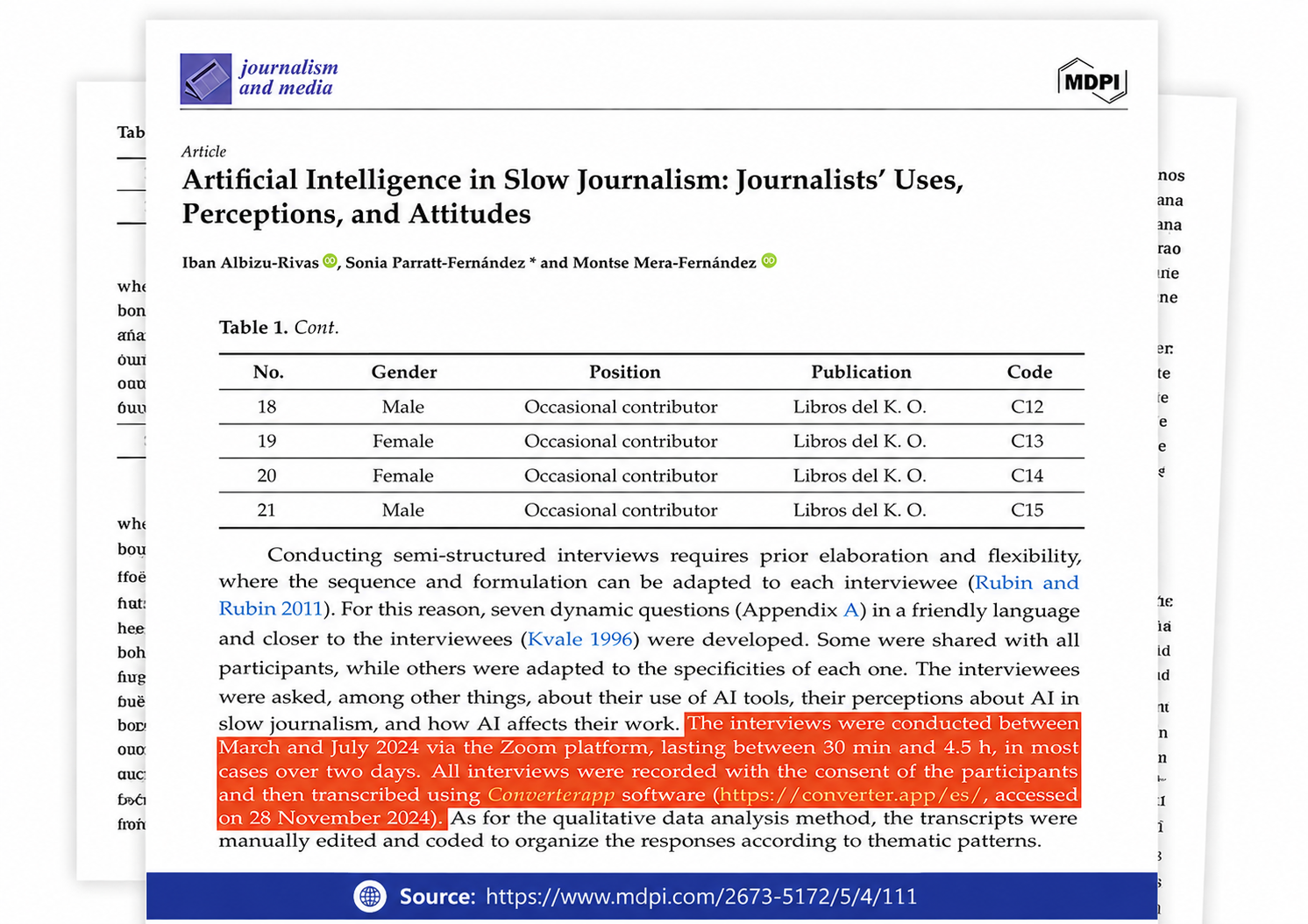
Referenced in published research and used for interview transcription and qualitative data analysis.
Queue up to 20 MP4 files and run them in one batch, then download the OGG results together. Each result is audio-only: the soundtrack is kept and the video picture is dropped.
You cannot keep them with this conversion. MP4 to OGG on this page extracts and re-encodes the audio only, so pixels, subtitle tracks, and most MP4 container data are not carried into the result.
Use a lower quality value for speech and a higher one for music: try 3–5 for voice, 7–10 for songs or dense soundtracks. This page uses an OGG quality scale from 10 to 0, not a bitrate field; 10 is cleanest and largest, 0 is smallest and roughest.
The cause is usually the MP4’s original audio level, not the OGG extension. Check the source gain first, then retry with a higher OGG quality setting; conversion will not repair audio that was already overdriven or recorded too low.
Yes—Converter App has no usage counter, and batch mode lets you queue up to 20 MP4 files at once. For multi-gigabyte videos, upload speed and keeping the browser tab open are usually the real limits.
No account, email, credit card, or desktop install is required. Files are processed in isolated sandboxes and deleted automatically right after the job finishes.