Privacy First
Uploaded files are automatically and permanently deleted within two hours.
Automatic deletion

Convert AAC audio to widely compatible MP3 in seconds.

Convert AAC to MP3 for broader playback without installing audio tools. Uploads are automatically deleted after 2 hours, and settings keep everyday listening practical.
Add AAC tracks from your device, including whole albums for batch processing.
We transcode each track to MP3 in the cloud, with no codecs to install.
Save MP3s individually, or download the full collection as a ZIP.
Use the converter without registration, accounts, or daily usage caps.
MP3 output opens more reliably in players, messaging apps, and editing tools.
Run the AAC to MP3 workflow in your browser without installing audio codecs.
Encoding settings balance clear sound with compact MP3 sizes for everyday listening.
Backed by 10+ years of engineering expertise in large-scale data and scientific computing, it’s built for real-world workflows that require uncompromised audio quality, accelerated processing speeds, and reliable, high-level performance.
Uploaded files are automatically and permanently deleted within two hours.
Rated 5 stars on Trustpilot for speed, reliability, and ease of use.
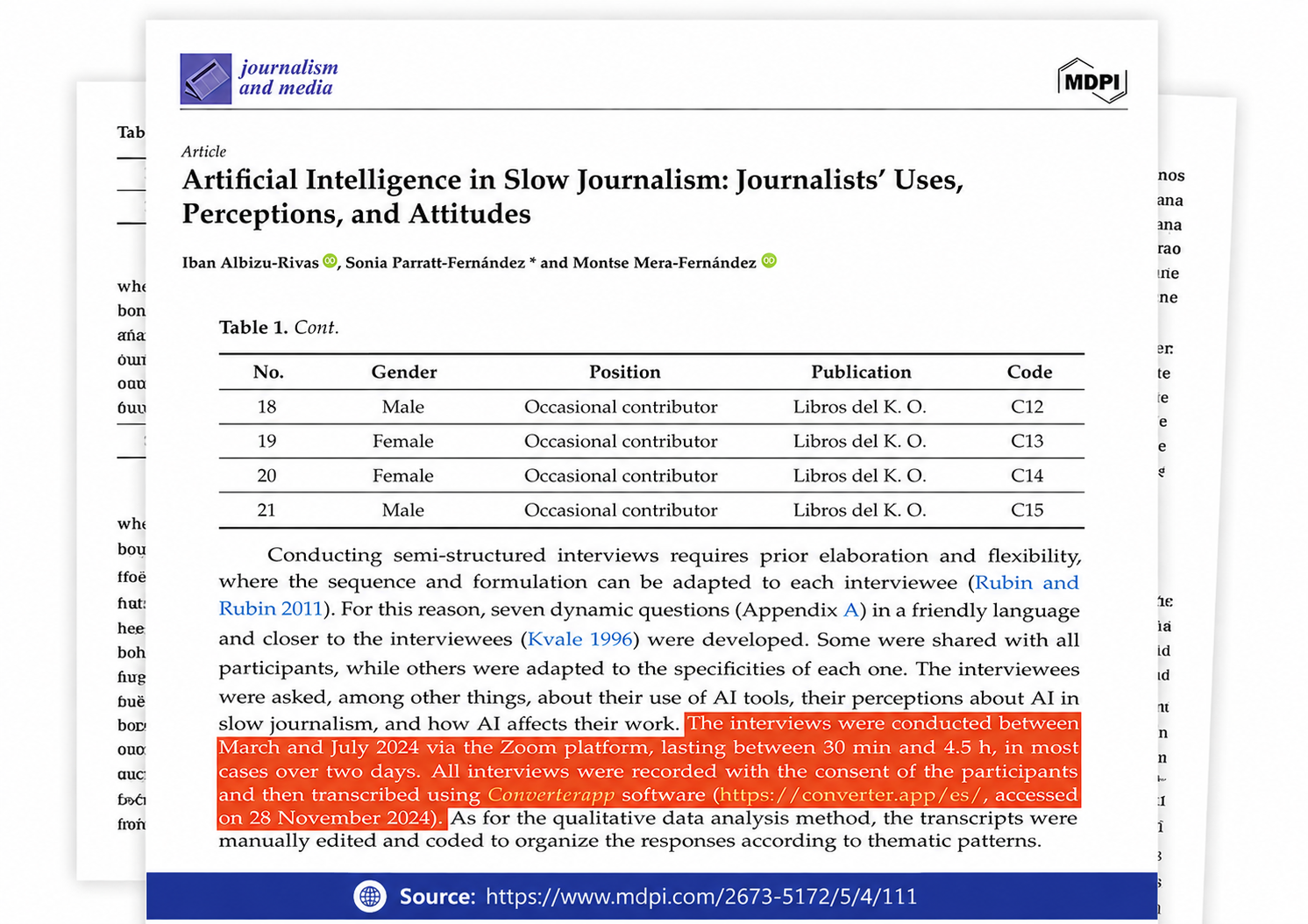
Referenced in published research and used for interview transcription and qualitative data analysis.
You can queue up to 20 files in a single run. Converter App is free and unlimited, with no usage counter and no strict file-size cap. Larger uploads simply take longer because the audio stream is re-encoded, not just renamed.
Check the downloaded track before replacing your library originals. This page converts the audio stream, and tags or cover art from an M4A/MP4 wrapper may not carry over exactly.
Not exactly. AAC to MP3 is a lossy-to-lossy conversion, so some additional compression artifacts are possible. Choose a higher kbps setting for music and avoid repeated conversions, but a larger output cannot rebuild detail the source already discarded.
Each job runs in an isolated sandbox, and both the uploaded file and the converted result are deleted automatically as soon as the job finishes. We do not keep a media library of your tracks.
Use the MP3 output and choose conservative bitrate and sample-rate settings rather than maxing everything out; older stereos and TVs can be fussier than phones. If a device still refuses the track, re-export with a lower kbps setting before assuming a larger file is more compatible.