Privacy First
Uploaded files are automatically and permanently deleted within two hours.
Automatic deletion

Turn fixed-layout comics, manga and picture books in EPUB format into a CBZ archive that any comic reader opens
You can upload up to 20 ebooks simultaneously.
An EPUB is a packaged website with HTML pages and images; a CBZ is a ZIP of page images. Our converter first lays the EPUB out as pages with calibre, renders those pages to JPEG at 300 dpi and finally zips them in order. The result behaves exactly like a scanned comic.
Comics, manga, graphic novels, children's books or any EPUB you want as page images.
calibre paginates the book, each page is rasterised as a numbered 300 dpi JPEG.
Open it in your comic reader, sideload it to a tablet or add it to a Komga or Kavita library.
Fixed-layout comic EPUBs render page by page with the exact composition the publisher designed.
A novel in EPUB becomes pages of rendered text, useful for readers that only support comic archives.
Files are named with a running counter so every reader shows them in the right sequence.
Several EPUBs in one upload are returned as separate CBZ files in a ZIP.
Backed by 10+ years of engineering expertise in large-scale data and scientific computing, it’s built for real-world document workflows that require accurate layout preservation, strict privacy, and dependable, high-level performance.
Uploaded files are automatically and permanently deleted within two hours.
Rated 5 stars on Trustpilot for speed, reliability, and ease of use.
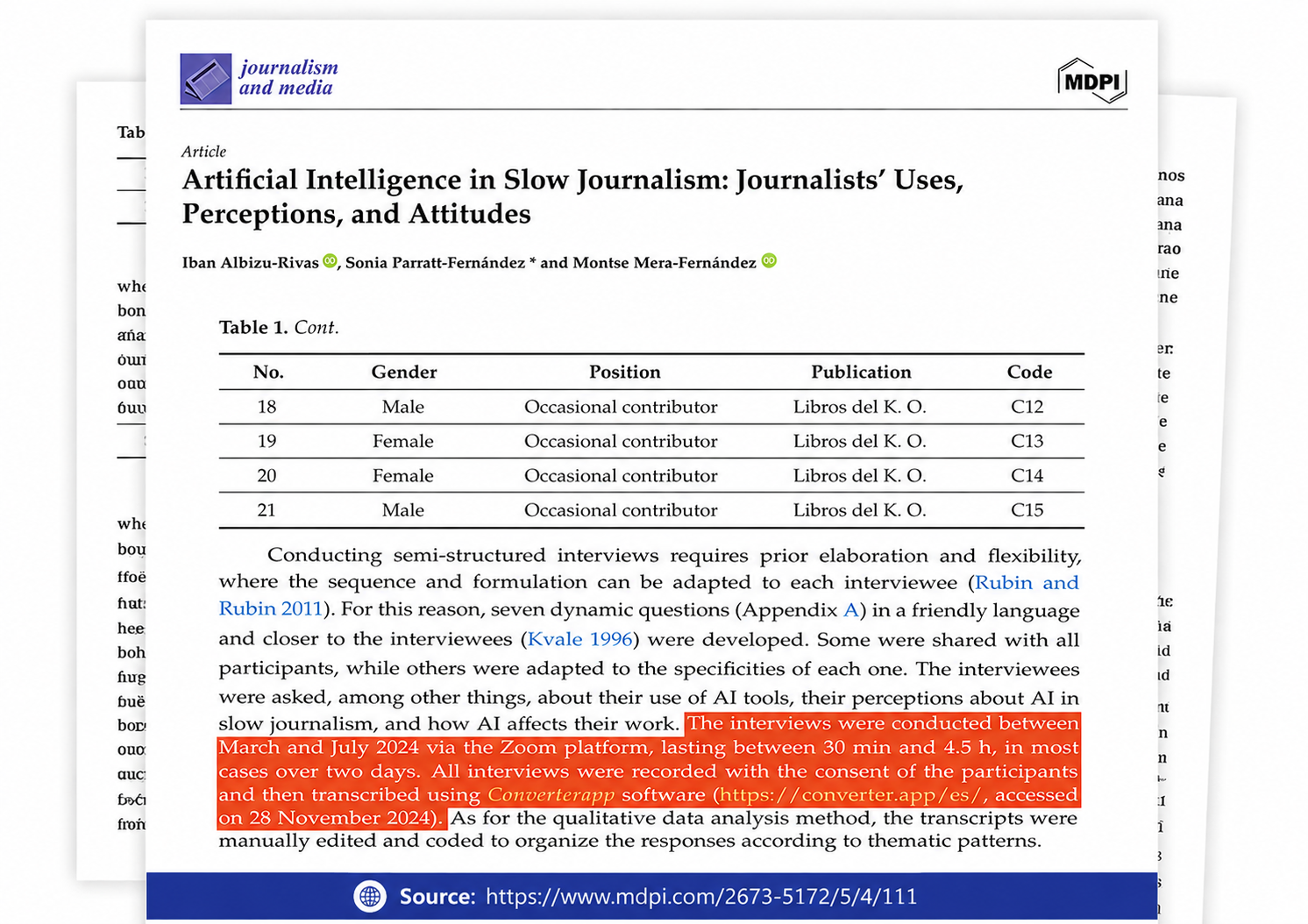
Referenced in published research and used for interview transcription and qualitative data analysis.
Both are ZIP files, which causes confusion, but their contents could not be more different. An EPUB holds XHTML, CSS, fonts and images plus a manifest describing reading order; a reader lays it out live. A CBZ holds nothing but images, usually JPEG or PNG, named so that alphabetical order equals page order. The simplicity is the appeal: there is no rendering engine to disagree with, the format works in dozens of free apps on every platform, and a CBZ created today will open unchanged in twenty years.
calibre's ebook-convert first turns the EPUB into a paginated PDF on letter-size pages; reflowable books are laid out with calibre's default typography, fixed-layout comics are fitted onto the page. Poppler's pdftoppm then renders every page to a JPEG at 300 dpi. The images are numbered sequentially and zipped without re-compression into a file with the .cbz extension. Because rendering happens on a server with the same fonts every time, the output is consistent regardless of what device you convert from.
A CBZ can be turned into a PDF for printing or into an EPUB for e-readers that lack comic support, although text will remain as images. If your archive is a RAR-based CBR, our CBR to CBZ tool repacks it losslessly. For a comic EPUB that you want to keep reflowable, no conversion is needed; use a reader with fixed-layout support such as Apple Books or Thorium.
Because many comic readers and library servers only handle CBZ and CBR, and because a comic EPUB from one store may render differently in every e-reader app. A CBZ is just pictures, so what you see is what the publisher drew, on any device, with fast page turns and no reflow surprises. Collectors also prefer one archive format for their whole library.
No. The pages become images, so text cannot be selected, searched or resized. If you need reflowable text, keep the EPUB or convert it to another e-book format instead; CBZ is the right choice only for content that should be displayed as fixed pages.
Each page is rendered onto a US-letter canvas (8.5 by 11 inches) at 300 dots per inch, giving JPEGs of 2550 by 3300 pixels, sharper than any tablet screen. Fixed-layout comic pages are scaled to fit that canvas, so pages with a different aspect ratio get white margins. The JPEGs are saved at high quality, so halftones and fine line art survive.
Larger than the EPUB in most cases, because every page becomes a 2550 by 3300 pixel JPEG even where the EPUB only stored text. Text pages are around 150 KB, artwork pages 0.5 to 1 MB, so a 150-page comic typically lands between 60 and 150 MB.
The pages are numbered in the EPUB's spine order, which for Japanese manga is already right-to-left as published. Set your reader to right-to-left mode for the correct two-page spreads; the file itself does not carry that setting, since CBZ has no metadata for it.
No. Books with Adobe DRM or store-specific protection cannot be opened by the converter and the conversion fails. Only DRM-free EPUBs, such as those from Humble Bundle, publishers' own stores or your own creations, can be converted.